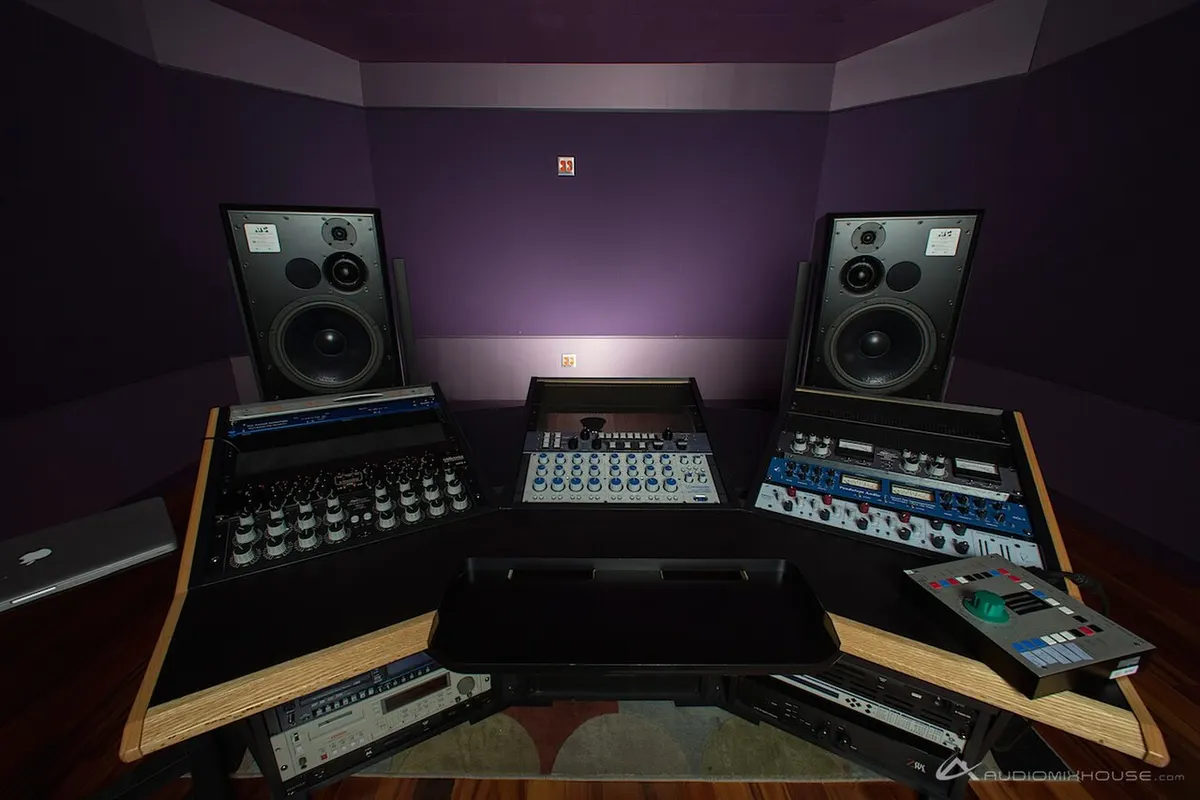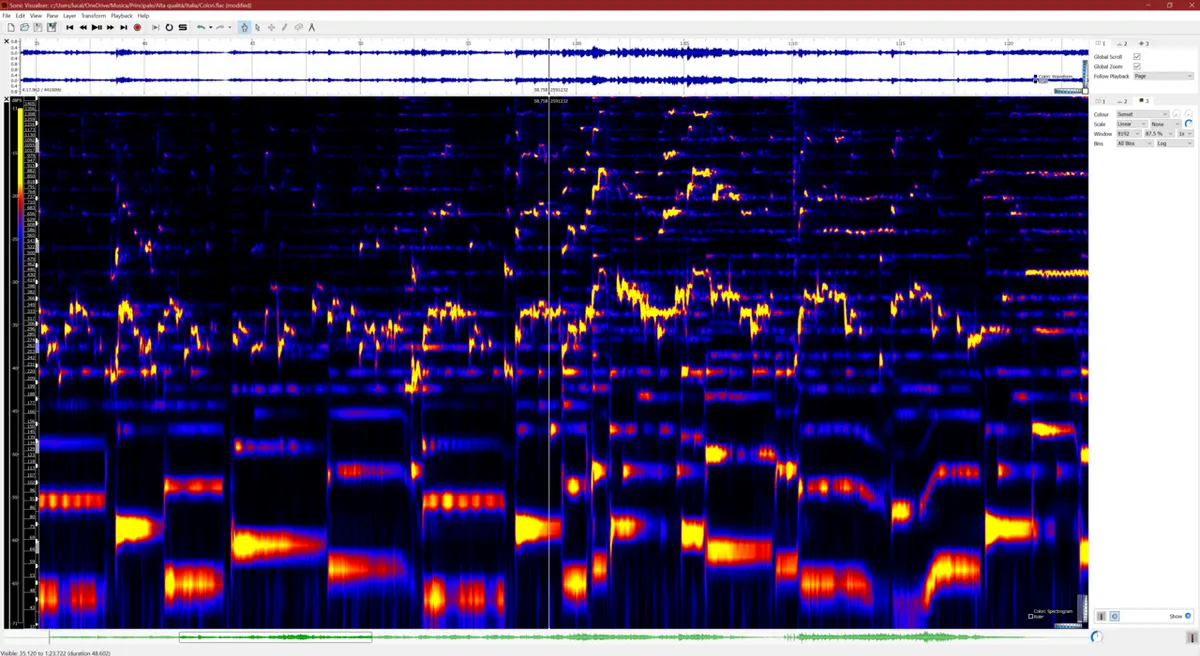
The mix is done. But next to other songs, the volume and the tone are somehow off. Closing that gap, so the song sounds right wherever it is played, is mastering.
In one line, mastering is the last step: shaping one finished mix into a file ready for streaming or CD.
How it differs from mixing
| Mixing | Mastering | |
|---|---|---|
| Works on | Each part: vocals, guitars, drums | The whole song after it is mixed (one stereo file) |
| Does | Balance, tone, panning, space | Small tonal moves, loudness, clip protection, export |
| Can fix | “The vocal is too quiet”, “the bass is buried” | “A bit dull overall”, “quieter than other songs” |
Mastering works on the whole song, so it cannot turn up just the vocal. If the whole-track EQ wants more than about ±3 dB, going back to the mix is quicker and cleaner.
Before mastering: leave room in the mix
- Don’t clip in the mix. Export so the loudest moment stays below 0 dBFS. Leaving the peaks around −6 dBFS is a common rule of thumb.
- Don’t leave a heavy limiter on the end of the mix. Raising the level is mastering’s job.
- Export uncompressed, such as WAV. Mastering an MP3 stacks one loss on top of another.
The basic process
- Pick a reference and compare. Choose one song you like in the same genre and compare at matched loudness.
- Shape the overall tone with EQ. Wide and gentle rather than narrow and big. EQ basics and finding harsh frequencies help here.
- Glue it with a compressor. Start gentle: a 1.5:1 to 2:1 ratio and 1–2 dB of GR. More in what a compressor is.
- Set loudness and ceiling with a limiter (or maximizer). For streaming, start at around −14 LUFS with the ceiling at −1 dBTP. See limiter and maximizer.
- Listen on different systems. Headphones, a phone speaker, a car, a TV. Check that nothing falls apart anywhere.
- Export. Save in the format the destination needs.
Loudness targets: LUFS and true peak
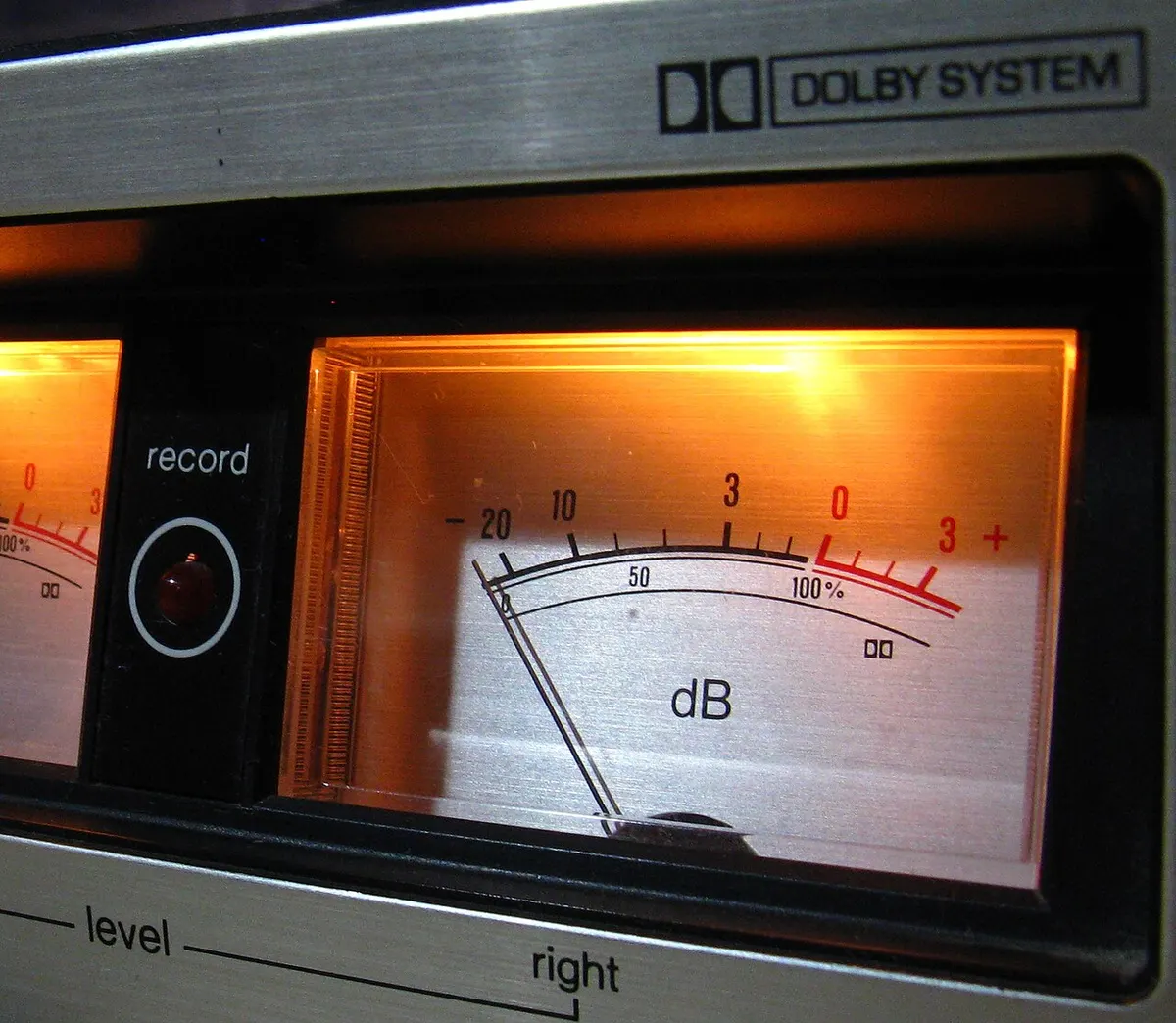
Loudness is measured in LUFS, which weights the sound the way hearing does. The method is set by an international standard, ITU-R BS.1770, and there are three views: integrated (the whole song), short-term (3-second windows) and momentary (0.4-second windows).
Streaming services measure each track and even out the playback volume. Spotify says it uses −14 LUFS. Making a track louder only gets it turned down, so keeping the dynamics and landing around −14 LUFS ends up sounding better than squashing it loud.
Export formats
| Use | Format |
|---|---|
| Upload to a distributor | WAV (24-bit preferred), at the same sample rate as the mix |
| CD | WAV, 44.1 kHz, 16-bit. Apply dither when going from 24-bit to 16-bit |
| Video platforms | WAV, or AAC/MP3 at a high bitrate |
| Checking and sharing | MP3 at 320 kbps or similar |
Mastering a cover
The off-vocal track used for a cover has usually already been mastered as a backing track. You are adding a voice on top, so there is less to do than in a normal master.
- Leave the backing track’s level as it is and fit the voice to it (don’t push the backing louder).
- Adding the voice raises the level a little; finish with a limiter setting the ceiling at −1 dBTP.
- Use EQ or compression lightly, and only where the voice and the backing clash.
Summary
- Mastering is the last step: preparing the whole song for streaming or CD.
- Fix individual parts in the mix. Mastering only makes small adjustments.
- The order is EQ, then compressor, then limiter, then export.
- For streaming, around −14 LUFS and −1 dBTP. Check on several systems.
To try it quickly, Light mastering applies EQ, compression and limiting from a single preset and exports at −14 LUFS by default. The numbers it shows are measured from the exported audio itself.