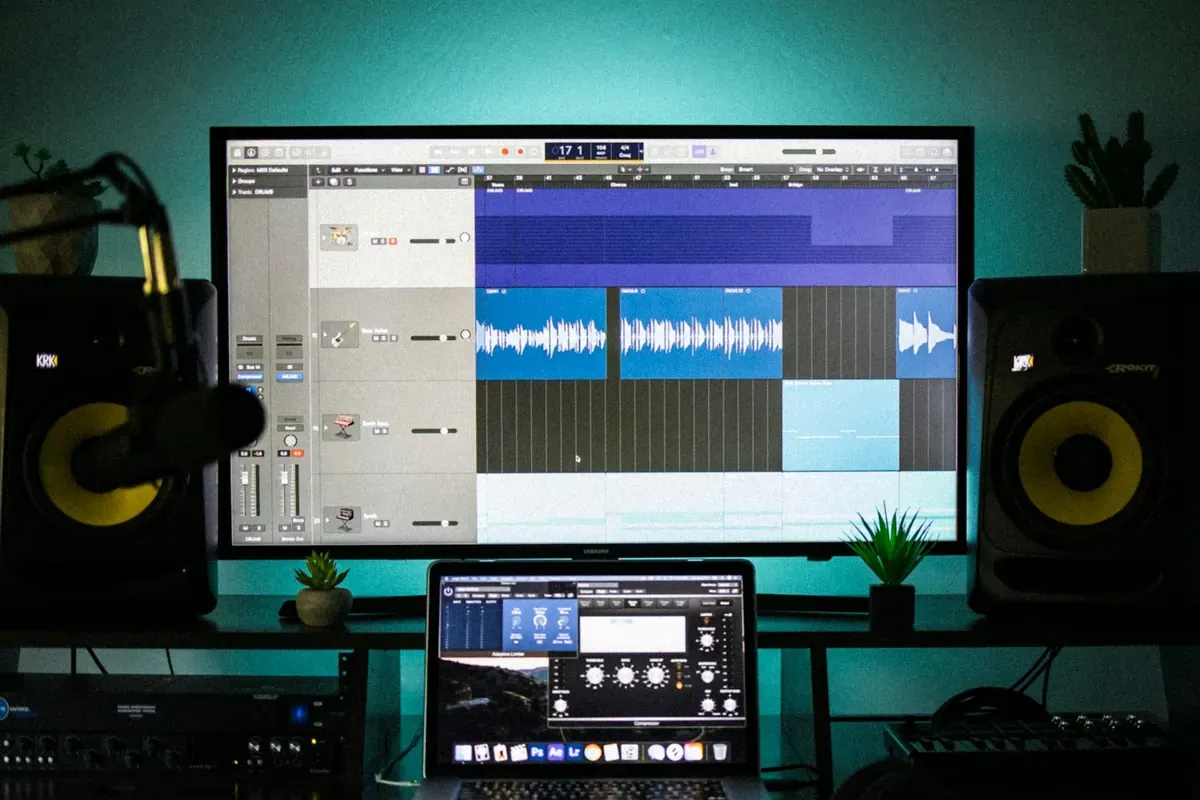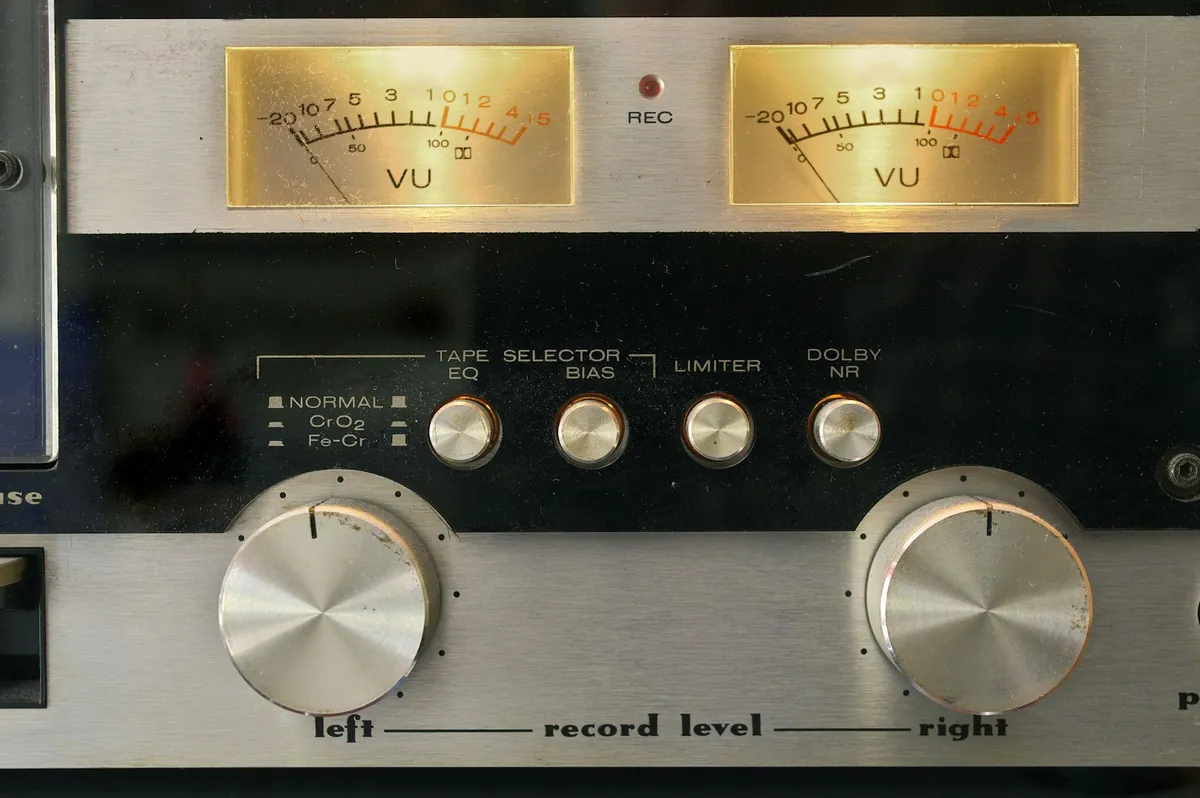
Small meters feel wrong. Surely a bigger waveform sounds better? So the gain goes up until the meter is nearly touching zero.
In digital recording, a big meter reading is not a goal in itself. Record without headroom and the loudest moment of the performance breaks.
0 dBFS is the digital ceiling
dBFS measures level relative to the largest value digital audio can hold, which is 0 dBFS. Anything above it cannot be stored, and the tops of the waveform are cut flat. That is clipping.
Audio that clipped at the input stays clipped. Pulling the fader down later makes the waveform smaller, but the missing shape does not come back.
At 24-bit, headroom costs you nothing
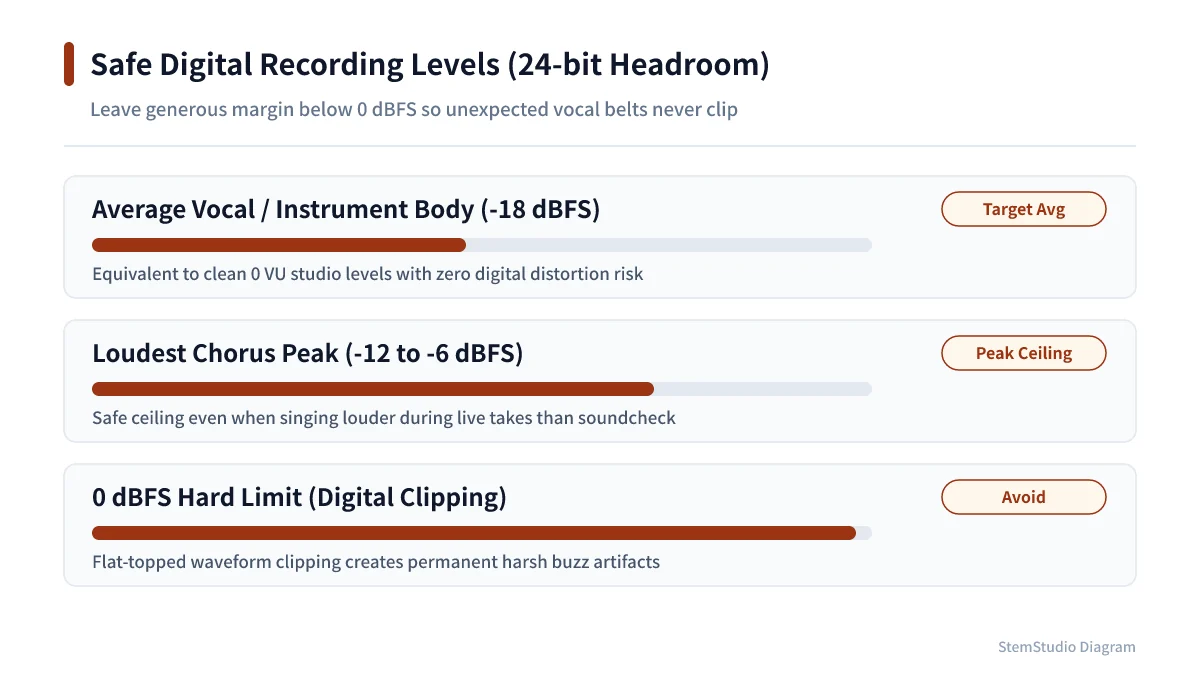
Today 24-bit is standard. Its noise floor is far lower than 16-bit, so there is no need to push to the ceiling.
A practical start is to set gain so normal playing peaks around −12 to −6 dBFS. That is not a standard: dynamic vocals, sharp drums and steady line sources all want different values.
Two things matter: the loudest moment must not clip, and the signal must sit well above the noise.
Setting gain, in order
- Set the mic distance and angle.
- Sing or play the loudest part of the song for real.
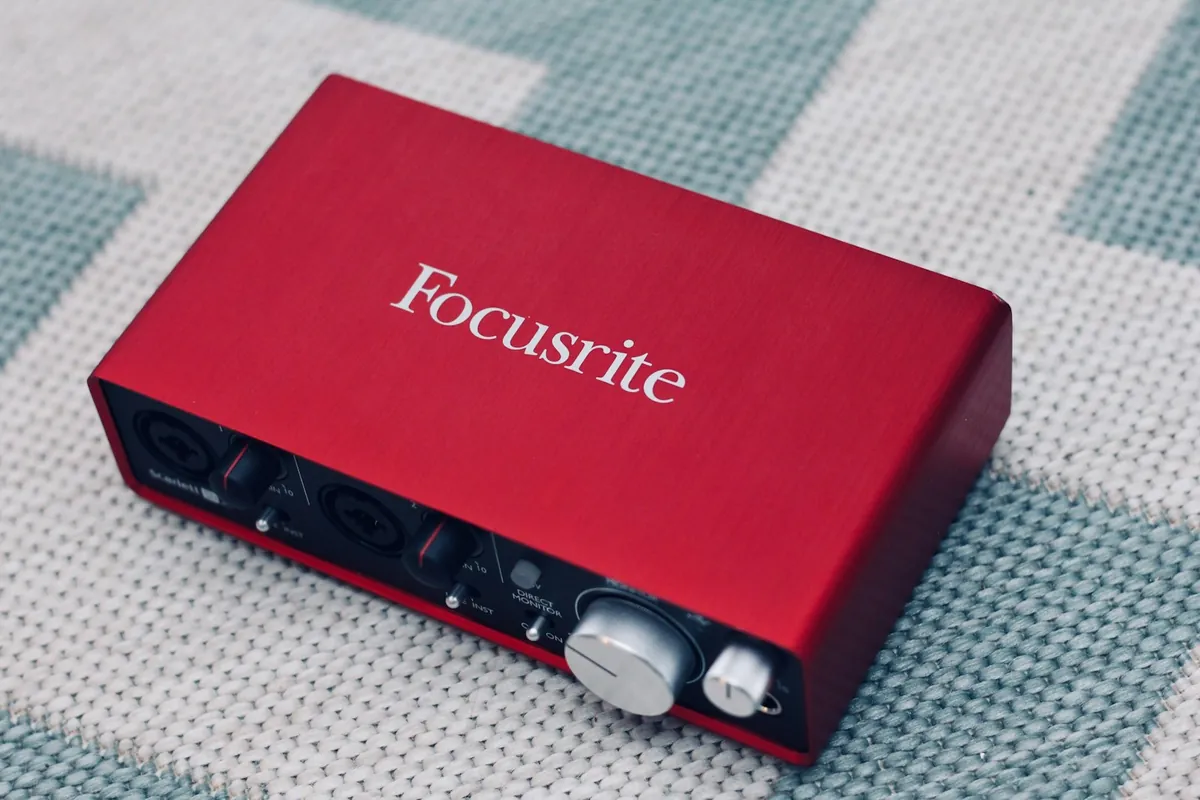
- Adjust the interface’s input gain.
- Check that the meter never reaches 0 dBFS.
- Record a few takes and check for unexpected peaks.
Set gain from a quiet test and the chorus or a hard accent will clip. Try the loudest part before you start.
Is too quiet a problem?
Recording very low is not automatically safe. Raise it a lot later and the noise of the mic, preamp and room comes up with it. Get enough level, and keep headroom on the peaks.
Raising a fader after recording is not the same as raising preamp gain before it. The fader only changes how loud recorded data plays back; the preamp amplifies before the A/D. Noise and clipping risk are decided at the input.
If a finished take is too quiet, volume adjustment can raise it. It measures the peak before and after and warns you about settings that would clip.
Capture cleanly, not loudly
Every track gets balanced in the mix anyway; nothing needs to be maxed out at the start. Headroom protects the take when a louder note or harder pick attack arrives. A modest meter is fine as long as the recording is clean — the goal is audio you can work with, not a big waveform.