Skip to content
  1. Blog
  2. Mixing

Mixing#Mixing#Stereo#Beginners

Before you widen the stereo: a mix that survives mono

Before reaching for a stereo widener, check that parts do not vanish or thin out in mono. The basics of phase cancellation and quick mono checks to make while mixing.

Written by the site’s operator3 min read
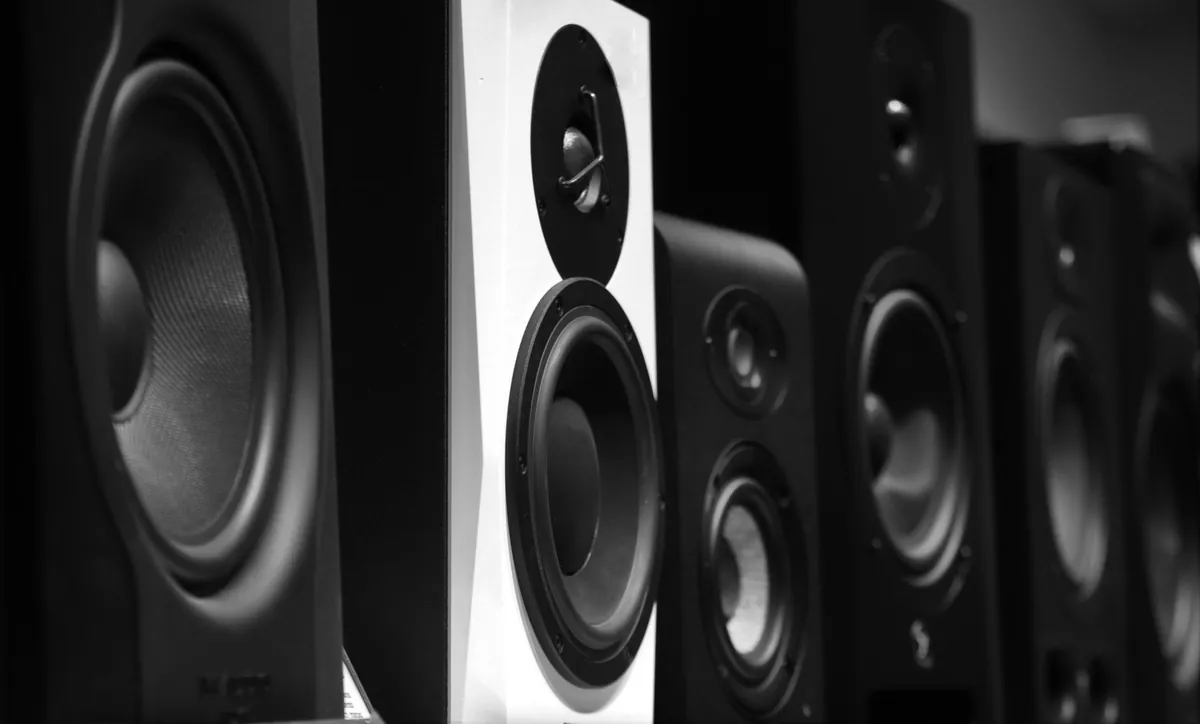
Speakers side by side
Not everyone listens on a stereo pair. On a phone or a single speaker, left and right are mixed together.Photo: Sandy Kawadkar / Unsplash License / Unsplash

Wide and lovely on headphones, thin on a phone speaker. The guitars you spread left and right get quieter in mono. If that sounds familiar, check your mix in mono too.

Music is not always heard on a stereo pair. Phones, Bluetooth speakers and shop systems often combine left and right. A stereo mix that does not fall apart in mono matters.

Stereo is built from differences

Stereo is two signals, left and right. Differences in level, timing, phase and tone between them give a sense of position and width.

Panning is the basic tool; put different parts on each side to separate them. Chorus and stereo delay create more difference. Push the difference too far, though, and folding the two together causes trouble.
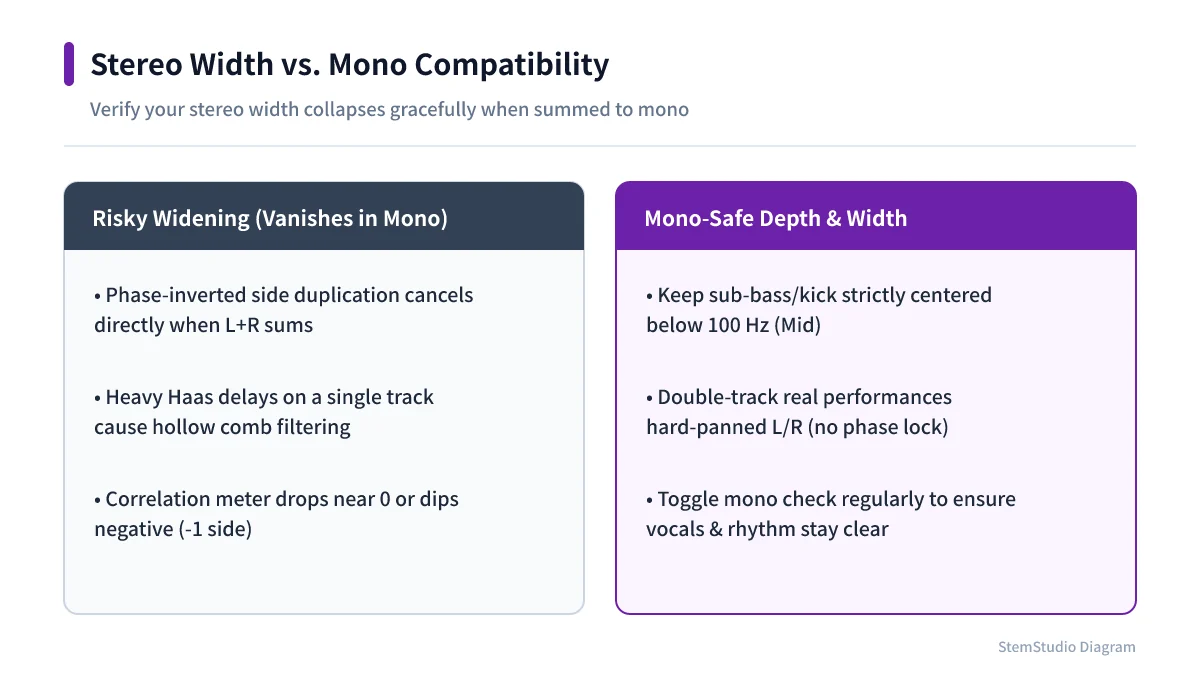
Stereo widening comparison showing dangerous out-of-phase tricks versus mono-safe width methods
True doubles and mid-centered bass stay full on mono phone speakers, whereas phase-inverted widening collapses on sum.

Why things disappear in mono

Mono adds left and right together. Identical content at identical timing simply stays.

But content with opposite phase on each side cancels when summed — fully opposite, it vanishes in theory. In real mixes, more often certain frequencies drop or the outline changes. Wideners, heavy chorus and left–right timing tricks create width and also larger changes in mono.

Three checks while mixing

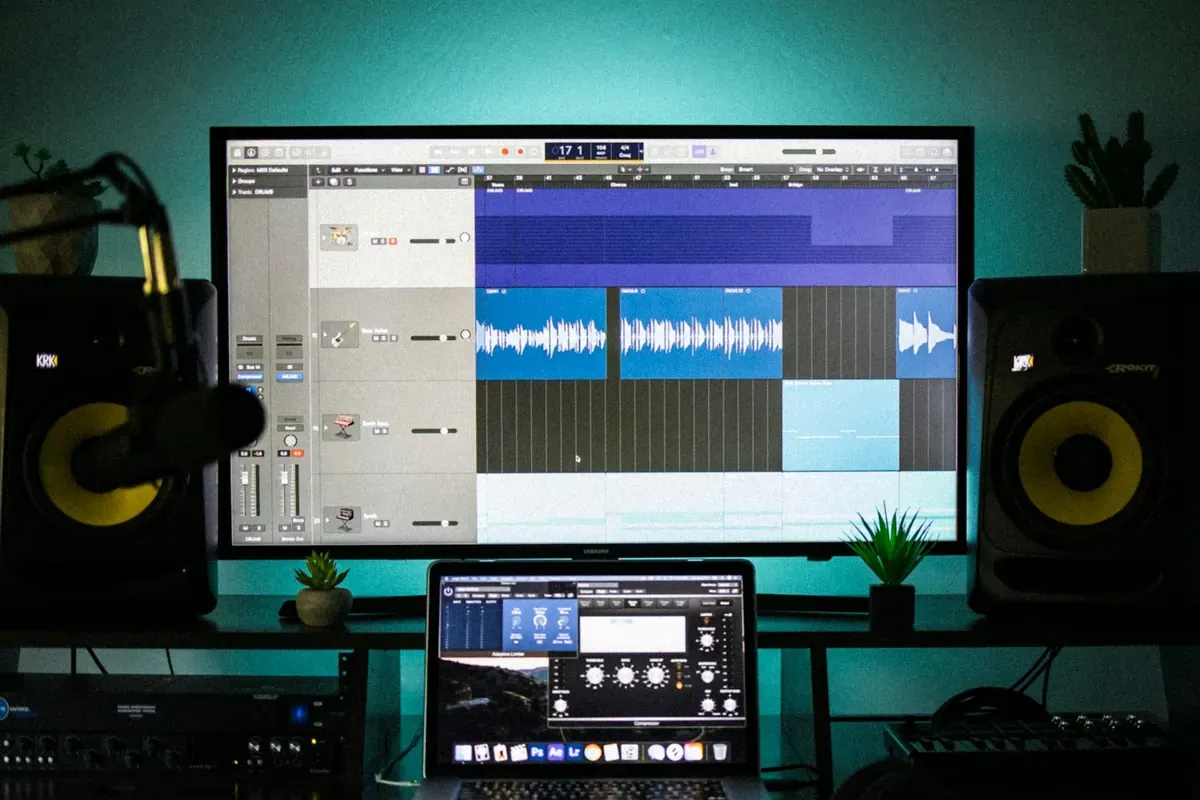
  1. Listen in mono. Use the DAW’s mono monitoring. Some narrowing is natural; a vocal or lead that suddenly drops, an instrument that nearly vanishes or a big change in the low end needs investigating.
  2. Bypass stereo effects one at a time. Toggle chorus, stereo delay and wideners in turn and see which changes things most, rather than switching everything off.
  3. Check the balance before widening. Lean on stereo effects and the arrangement collapses in mono. Sort the parts with panning, level and EQ first, then add space.

Do not over-widen the bass or the lead

Kick and bass are the foundation, and spreading the lows wide makes them less stable across playback systems. Keep low end central and make width with mid and high instruments and effects.

That does not mean piling everything in the middle; the space either side is what stereo is for. Just do not make width the goal. Decide what goes where and what you want heard first.

Do not judge by meters alone

A correlation meter helps spot problems, but there is no reading that is always right; it depends on the material and the stereo picture you want.

Finally, listen: headphones, speakers, mono, a phone — briefly on each. You cannot make every system sound the same, but you can make sure the focus of the song is never lost. Choose what goes to the sides, decide what stays central, and keep what matters intact in mono.

Tools for this article

Share this article
Share on X

Read next

Mixing

What EQ Is: What to Cut, How Much, and Why

EQ is a volume control for each range of pitch. What you hear in the lows, mids and highs, why to start by cutting rather than boosting, what Q means, and what to try first on a vocal, with concrete frequencies.

#Mixing#EQ
Mixing

What reverb is: giving a voice a room to sit in

Reverb adds the reflections a room would give a sound. What pre-delay, early reflections and decay time mean, how room, hall and plate differ, why reverb goes on a send, and starting points for blending a cover vocal into a backing track.

#Mixing#Reverb
Mixing

Why do I hear myself late while recording? Buffer size and latency

There is a gap between playing a note and hearing it back. The cause may be your buffer size or driver. What 64, 128, 256 and 512 samples mean in milliseconds, why recording and mixing want different settings, and what to check when the audio crackles.

#Recording#Settings
Mixing

Should you record as loud as possible? Why to stay away from 0 dBFS

Your meters do not need to hit the top. What 0 dBFS, clipping and headroom mean in digital recording, and how to set input gain step by step.

#Recording#Mixing
Mixing

Calculating delay time from BPM: dotted eighths and triplets by hand

To lock a delay to the song, calculate the time from the BPM. Formulas for quarter, eighth, dotted-eighth and triplet delays in milliseconds, a table for 120 BPM, and what to adjust when the delay gets muddy.

#Mixing#Effects
Mixing

How close to a DAW is Suno Studio 2.0? The autumn 2026 updates

Suno Studio 2.0 has grown from generating songs into a place to edit them, with MIDI, effects and automation. The October 2026 clip-editing changes and the Suno MCP beta, from Suno’s own notes, and how it fits next to a regular DAW.

#News#AI

All articles