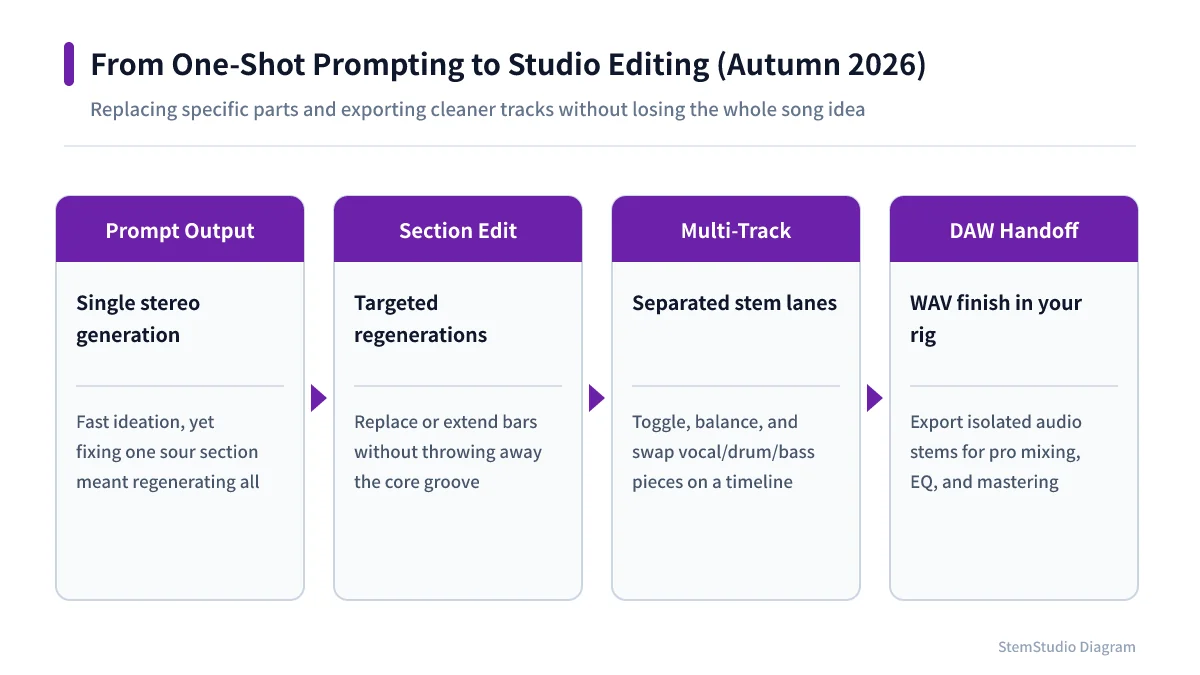
Having AI make a song and using AI to finish one are different jobs. Suno Studio 2.0 is an update about the part after the song is generated.
For turning an idea into a rough song, text-to-music services are already convenient. But fixing one section, nudging the bass pitch, changing the build into the chorus — that needs a place to work on the result.
From a generator to an editor
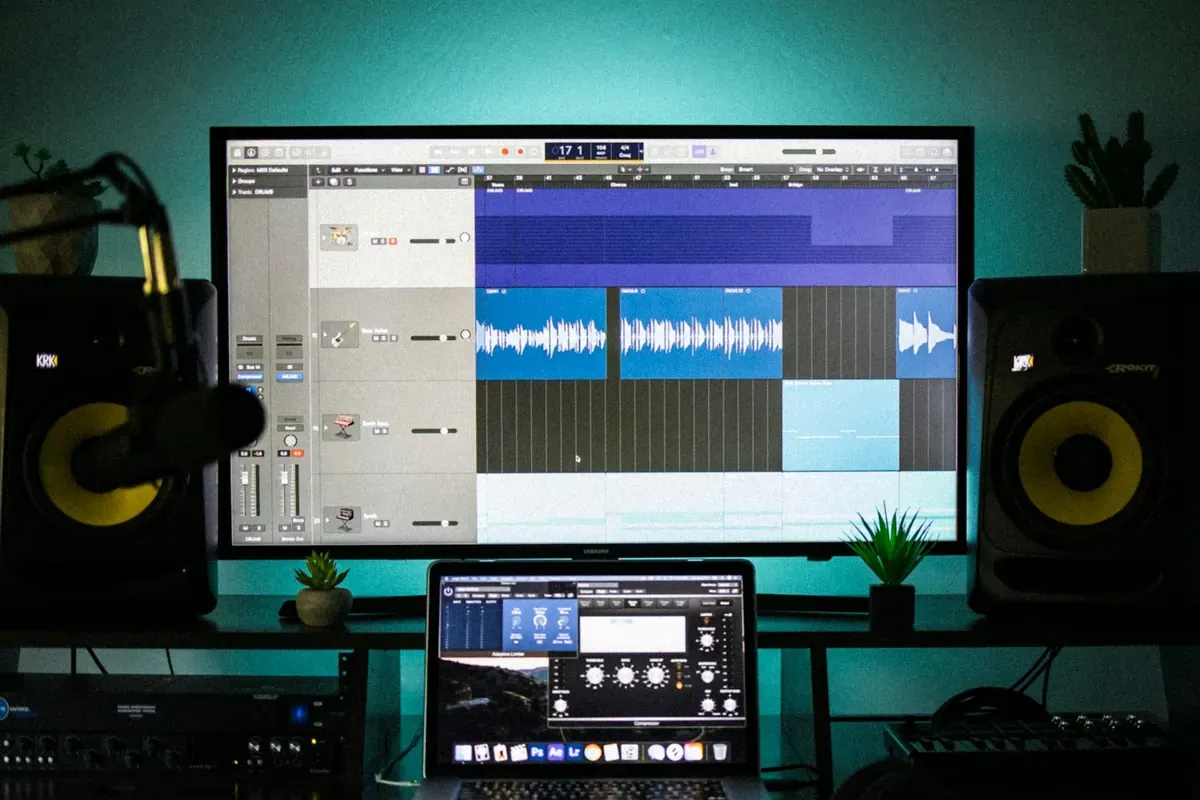
Studio 2.0, released to Premier subscribers in August 2026, moves generated material onto a timeline. Suno’s help page lists MIDI tracks and a piano roll, external controllers via Web MIDI, audio-to-MIDI, built-in compressor, delay, EQ and reverb, a wavetable synth and drawn automation. You can also describe an effect in the chat bar and have it built.
More features do not make it a conventional DAW, though: editing depth, hardware, long recordings and project exchange all need comparing, and the help page says plainly that VST and Audio Units plug-ins are not supported. It is closer to the truth to see Studio 2.0 as shortening the distance between generating and editing than as a DAW replacement.
The late-October update
The 29 October 2026 release notes describe a redesigned clip settings panel: double-click a clip for volume, pitch, loop, reverse and time-stretch. Lyrics, style tags and stem-separation info moved to a separate Clip Info panel.
A new setting auto-stretches added audio to the project tempo — but clips without a steady beat and stems uploaded together keep their timing, and generated clips are not affected. Not everything stretches.
There is also pitch in cents as well as semitones (type 2.38 for two semitones and 38 cents), showing and hiding tracks, and adjustable grid density and contrast. Small things that matter once a project fills up.
What the Suno MCP beta changes
On 28 October Suno announced a Suno MCP beta. From MCP clients such as Claude or ChatGPT you can describe a song, start from a voice memo or loop, or make covers, extensions and mashups from your library; results are saved to your Suno library.
The notes say it works on all plans and uses credits, but it is a beta behind an early-access sign-up. Do not read it as “control everything in Suno from another app” — what it can do and where it connects may change.
No need to give up your DAW
In practice, “where does each job go” matters more than “which app has the most features”. Sketch ideas and rough material in Suno, then edit, record, mix and export in your usual DAW — or stay in Suno when the whole job fits there. When moving Suno audio into a DAW, splitting it into parts and finding the BPM and key come in handy.
Suno’s help says Studio 2.0 is for Premier subscribers and recommends Google Chrome, noting that Web MIDI is not available in Safari. Check your plan and browser first.
The next contest in AI music is not just generating a song in one go but how far you can shape it with your own decisions. Seen that way, the autumn updates are about how it feels to work, not spectacle.