You do not have to commit to a guitar tone before you record. Keep the plain signal from the guitar, and you can choose the amp and effects again later.
Even if you love your amp tone, you might later want a little less gain, or to try another amp. And an amp sim that sounded great alone can feel flat once it sits in the mix. That is where DI recording and reamping come in.
What each method captures
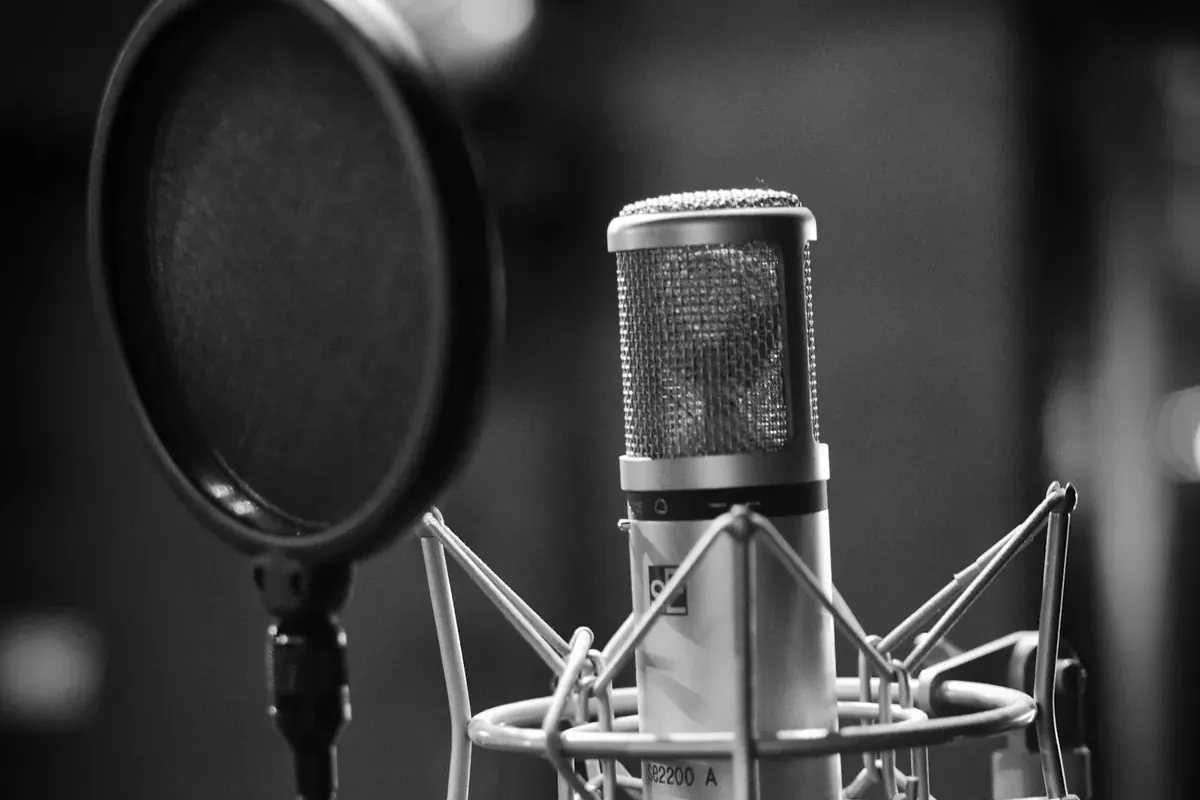
Miking an amp captures the amp circuit, speaker, cabinet, the mic and its position, and the room. It keeps something close to what the player hears.
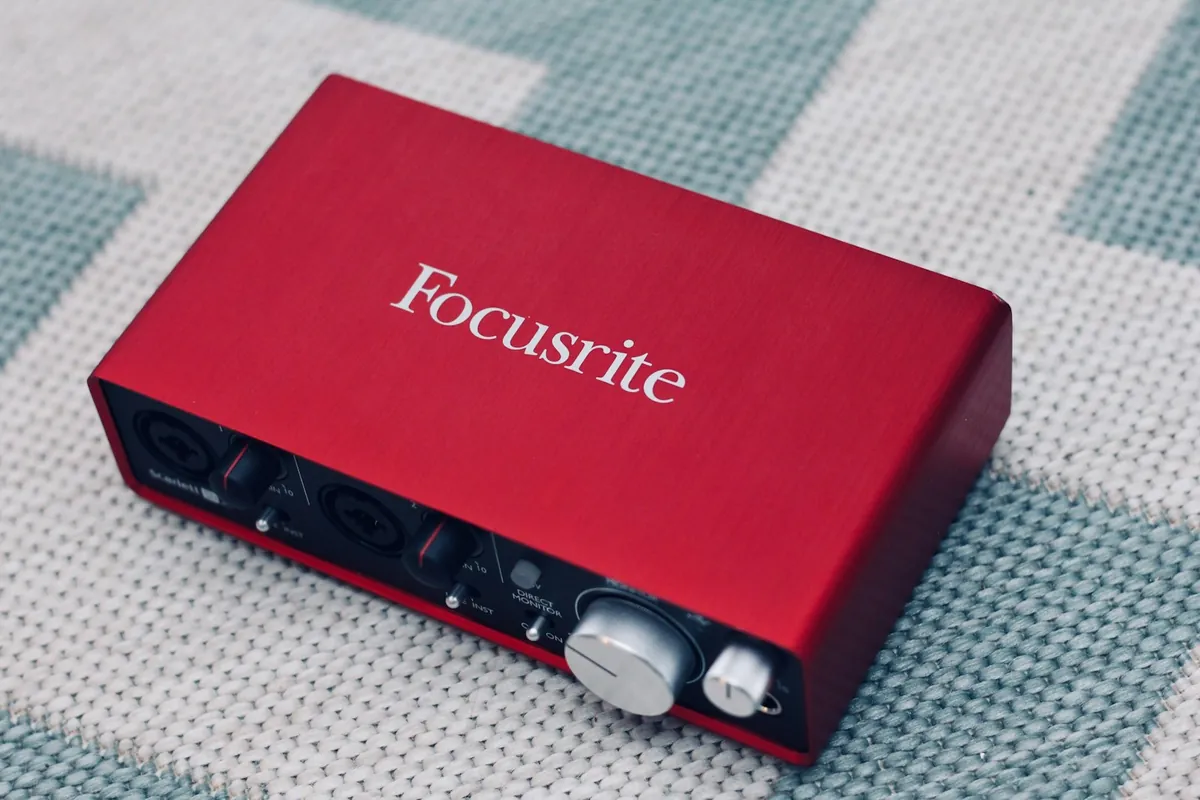
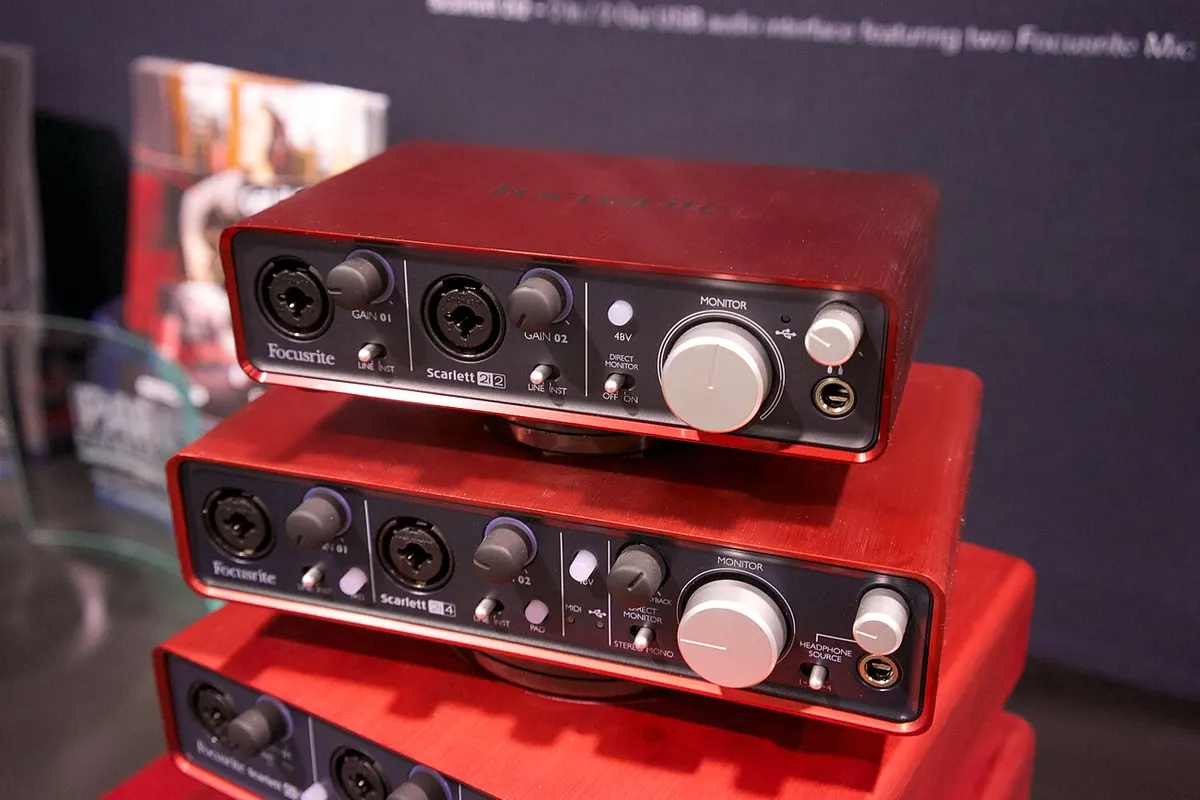
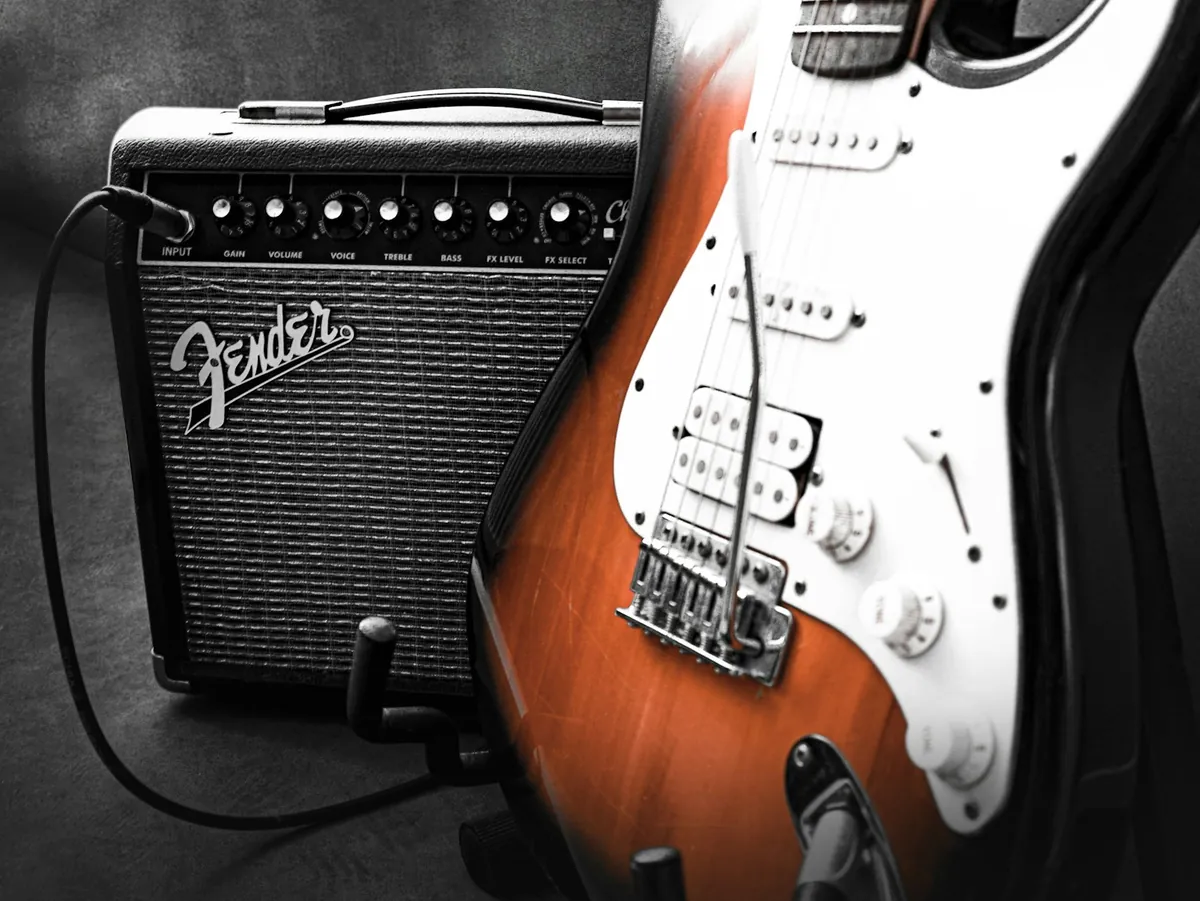
A DI recording sends the guitar straight into the interface’s instrument input. You keep a nearly untouched signal from before any amp or speaker, so you can add an amp sim or reamp it later.
| Miked amp | DI | |
|---|---|---|
| What you keep | Amp, speaker, mic and room together | The guitar signal before the amp |
| Good for | Keeping the tone you made on the day | Redoing the tone as often as you like |
| Watch out for | Hard to recreate the same conditions later | Sounds thin on its own |
Recording DI
If the guitar goes straight into the interface, make sure the input is set to INST, Hi-Z or Instrument. It loads the pickups differently from a line input, and the guitar needs that setting.
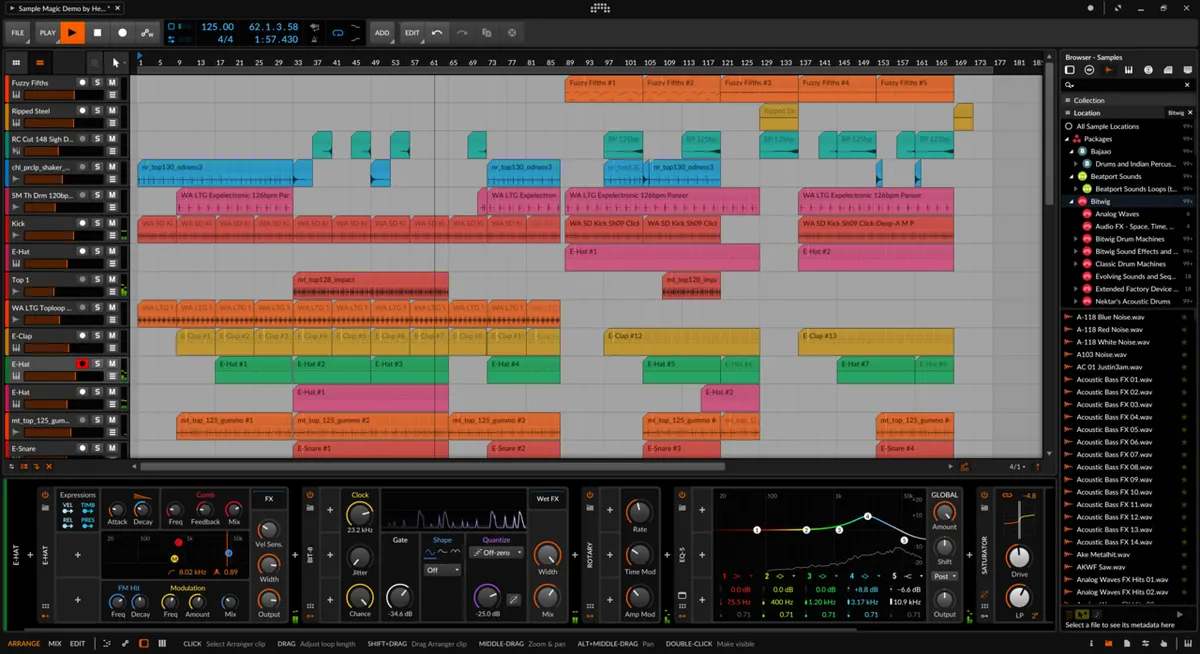
A handy approach is to monitor through an amp sim while recording the clean DI. If the DAW is returning the sound, watch the buffer size too (Why do I hear myself late while recording?) — too much latency changes how you play.
Recording DI and amp together
If you can, record the DI and the miked amp at the same time. You keep the amp’s character from the session and can still change the DI side later — for example, use the amp as the main sound and blend in a little of the DI through a different sim.
What reamping is
Reamping sends a recorded DI signal back out to a real guitar amp and records it again. You can compare amps and mic positions without replaying the part.
- Record the guitar DI.
- Send it from the DAW to a line output on the interface.
- If needed, use a reamp box to bring level and impedance down to what a guitar puts out.
- Feed the amp and mic the speaker.
- Compare the result with the DI and use it in the mix.
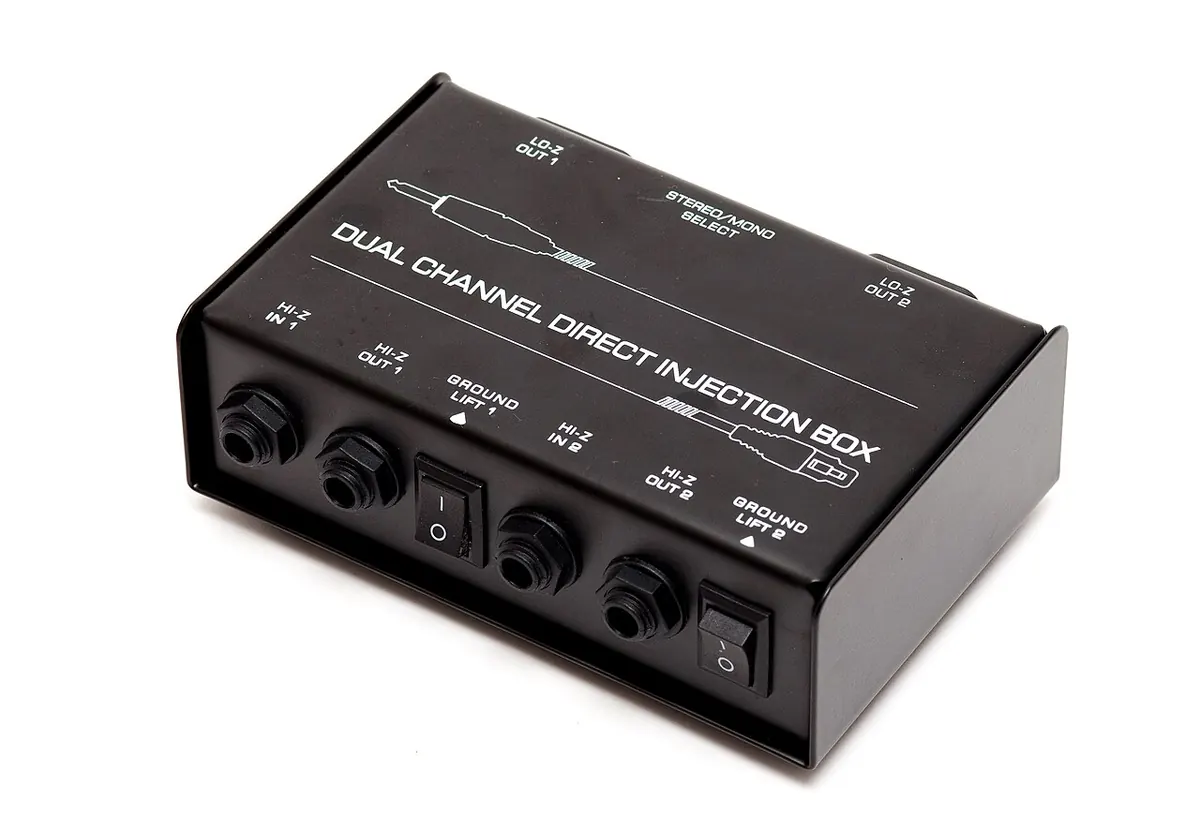
Plugging a line output straight into a guitar amp does not always work: the level and impedance are different from a guitar’s. Check the right reamping gear and wiring for your interface and its outputs.
Which should you choose?
Cannot play loud at home, or want to change the tone later? DI and an amp sim are easier. Want the speaker and room in the sound? Mic the amp. Free amp sims are in the free plugin list. The effects model guide in the site menu shows what the amp models in multi-effects units are based on.
If in doubt, keep the DI. An amp sound is hard to recreate later; a DI can be re-toned as often as you like. Capture the performance first and decide the finished tone afterwards.