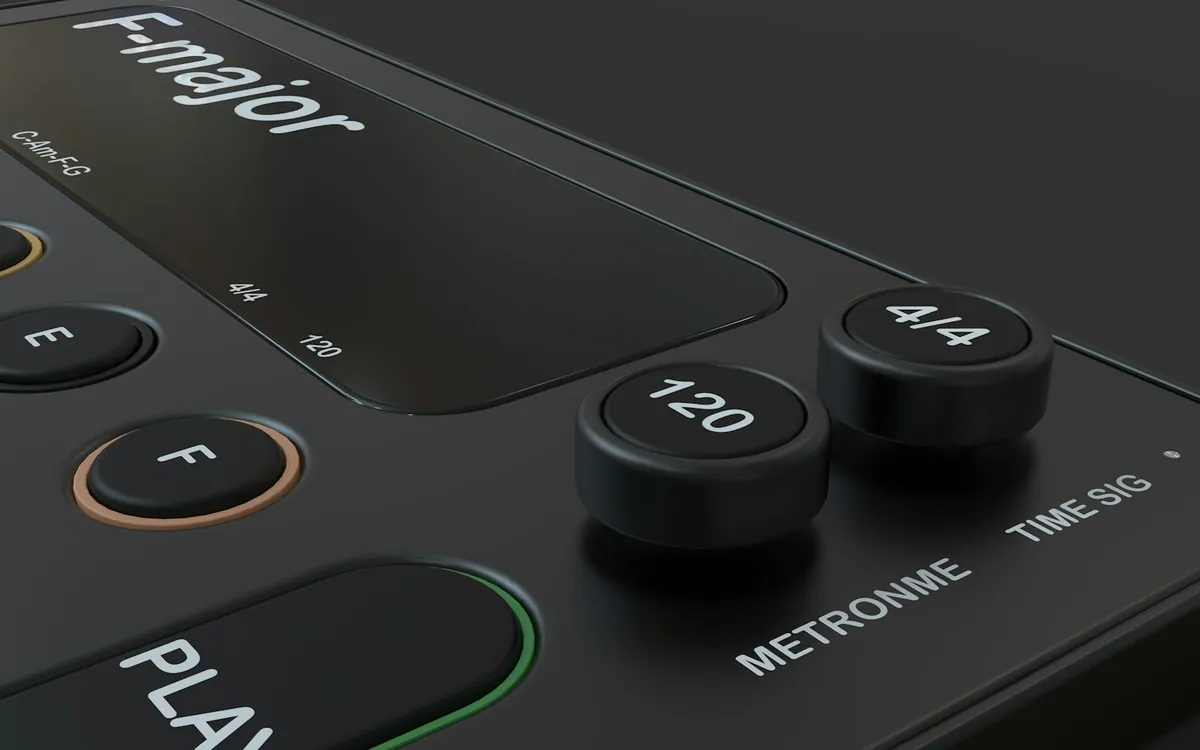
Press "tempo +1" on the remote and the song does get a little faster. What it never tells you is by how much.
The question usually comes up for one reason: you have found a speed that works at the karaoke bar, and you want to practise at that same speed at home. Know the ratio and you can set your own track to match.
The short answer: the step size differs between machines, and the makers do not publish it as a percentage. But you can measure it, and once you have, matching it at home is easy. This article is that procedure.
"+1" is one notch on the machine, not a ratio
Tempo +1 / −1 works like the key buttons: it moves the machine’s own scale by one notch. A key step is fixed at a semitone, but a tempo step has no musical unit behind it. Two different machines can both say +1 and run at different speeds.
By feel, one notch is "noticeable if someone points it out" and two or three notches are "clearly faster". In numbers, a notch tends to land somewhere in the low single-digit percentages — but that varies by model, so measure it once on the machine you actually sing on.
Measure it yourself. All you need is a phone
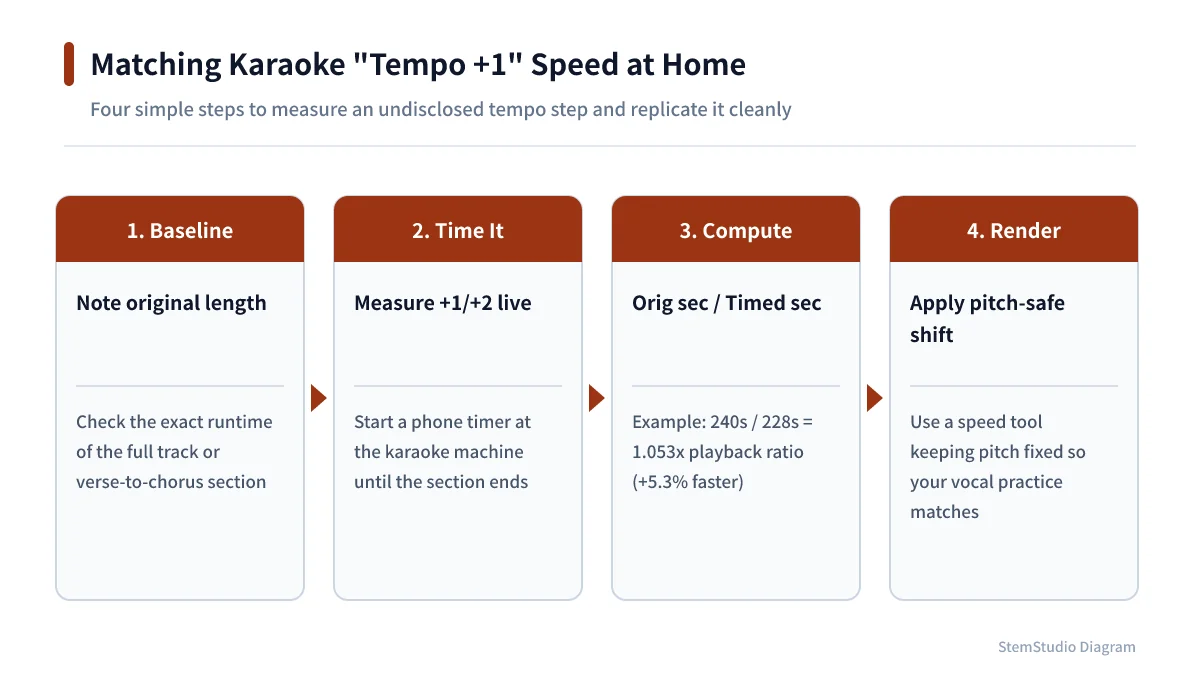
The ratio is simply the sped-up BPM divided by the original BPM. You can find the original at home, so the only thing to measure at the bar is the new one.
- At home, find the song’s original BPM. If you have the audio, drop it into Key & BPM analysis. Say it comes out at 120.
- At the bar, set that song to tempo +1 and tap along with the beat using the tap-tempo function of any metronome app. Ten to twenty taps is enough for the number to settle.
- Divide the result by the original. 126 ÷ 120 is 1.05×, meaning 5% faster.
Notches to ratios (it depends on the step size)
Once you know the size of one notch, the rest is multiplication. If a notch turned out to be 5%, +2 is about 1.10× and +3 about 1.15×. Whether the machine adds (linear) or multiplies (geometric) per step changes the numbers slightly, but within ±3 notches the difference is too small to matter.
| Notch | If 1 notch = 3% | If 1 notch = 5% | If 1 notch = 7% |
|---|---|---|---|
| +1 | 1.03× | 1.05× | 1.07× |
| +2 | 1.06× | 1.10× | 1.14× |
| +3 | 1.09× | 1.15× | 1.21× |
| −1 | 0.97× | 0.95× | 0.93× |
| −2 | 0.94× | 0.90× | 0.86× |
| −3 | 0.91× | 0.85× | 0.79× |
Build a practice track at the same speed
With the ratio in hand, change your own track by the same amount. Key & tempo change takes the speed as a percentage: enter 105% for 1.05×, 90% for 0.90×. Leave the key at ±0 and only the speed changes; the pitch stays put — the same behaviour as the tempo button on the machine.
If you are still learning the song, start from slow playback; if you want headroom by rehearsing faster than the real thing, start from speed up. Both open with the setting already in place.
To practise over a backing track without the vocal, remove the vocal first with the karaoke maker, then change the speed of the exported file. The voice is the part where processing shows most, so taking it out first gives a cleaner result.
Does changing the tempo change the key?
No. Speeding up a record or a tape raises the pitch, but karaoke machines — and the tools on this site — treat speed and pitch separately, so moving the tempo alone leaves the key exactly where it was. The reverse is also true: changing the key does not change the tempo.
When it is worth using
- Learning a fast, wordy song. Drill the lyrics at −1 or −2, then return to the original. A song learned slowly holds together when it speeds back up.
- Stopping yourself from rushing. If you can sing it comfortably at +1, the original tempo on the night feels relaxed.
- A ballad that drags in your voice. Some songs sound heavy at the written tempo; a single notch up can lift them.
In short
The answer to "how much is tempo +1" is: it depends on the machine, so measure it once. One tap-tempo reading is all it takes. After that, enter the same percentage in Key & tempo change and you are practising at the bar’s speed at home.