Skip to content
  1. Blog
  2. Covers

CoversBPMTempo changeMusic practice

Change a Song to a Target BPM

Calculate the playback-speed multiplier for a target BPM, check for half-time or double-time detection, then change a song’s tempo while keeping its key.

Written by the site’s operator3 min read
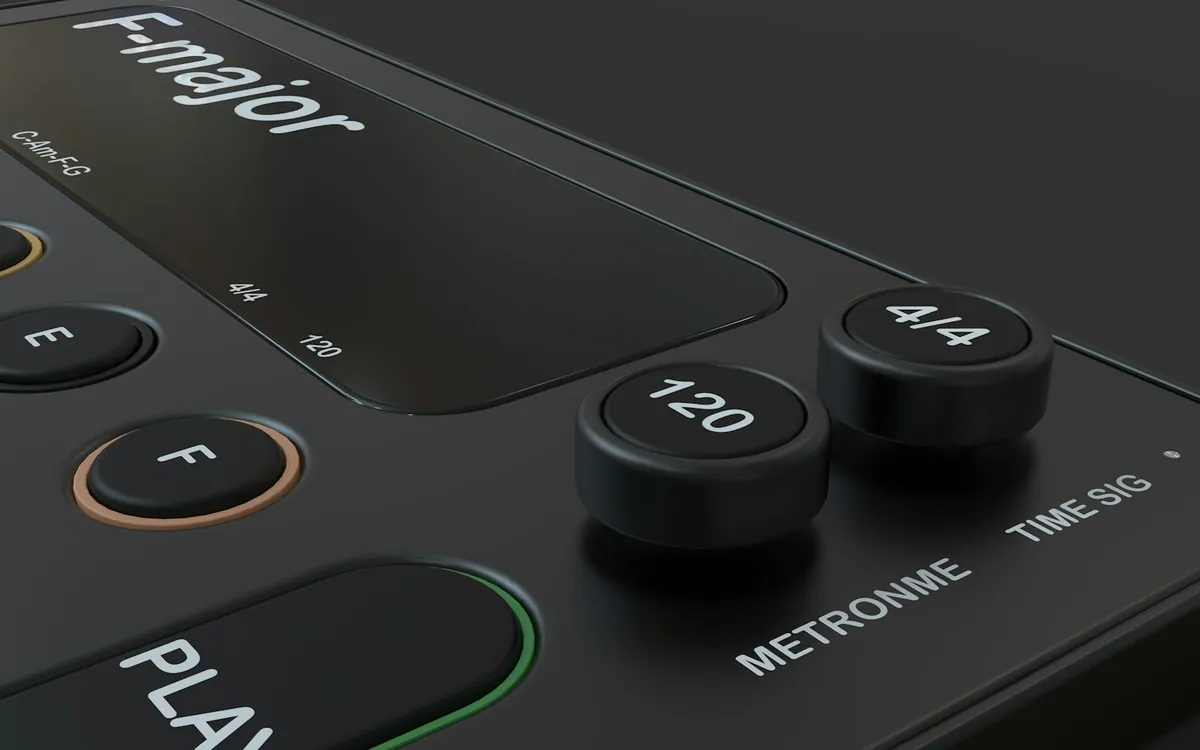
A digital metronome
The number on the screen is the beats per minute (BPM).Photo: Kedibone Isaac Makhumisane / Unsplash License / Unsplash

To move a song from its current BPM to a target BPM, divide the target by the source. For example, 120 to 90 BPM needs 0.75× speed. This guide covers the calculation, checking the BPM estimate, and exporting without changing the key.

If you know the source and target BPM, you can calculate the playback speed needed to match them. This is different from measuring what one “+1” step means on a karaoke machine: here, you choose the BPM you want the recording to reach.

Calculate the speed multiplier

Use target BPM ÷ source BPM = speed multiplier. A result below 1 slows the song down; a result above 1 speeds it up. Reversing the division moves the song away from your target.

Source BPMTarget BPMCalculationSpeed field
1209090 ÷ 1200.75×
90120120 ÷ 901.33×
128110110 ÷ 1280.86×
80100100 ÷ 801.25×
Example speed multipliers for target tempos. Enter the value in the final column.

Check the source BPM

  1. Open the audio in the key and BPM analyser and read its BPM estimate.
  2. If the analyser shows an alternative, listen to the beat and choose the value that matches how you count the song. A kick or snare pattern can be counted every other beat, producing a half-time or double-time reading.
  3. Use the source and target BPM in the formula. For example, 120 to 90 BPM is 90 ÷ 120 = 0.75.

Change the tempo while keeping the key

  1. Open the audio in Key & tempo change.
  2. Enter the calculated multiplier in the Speed control. Its current range is 0.50× to 2.00×. A target outside that range cannot be reached with this control.
  3. Leave Semitones and Cents at 0. After processing, check the estimated BPM shown by the tool and listen before exporting.
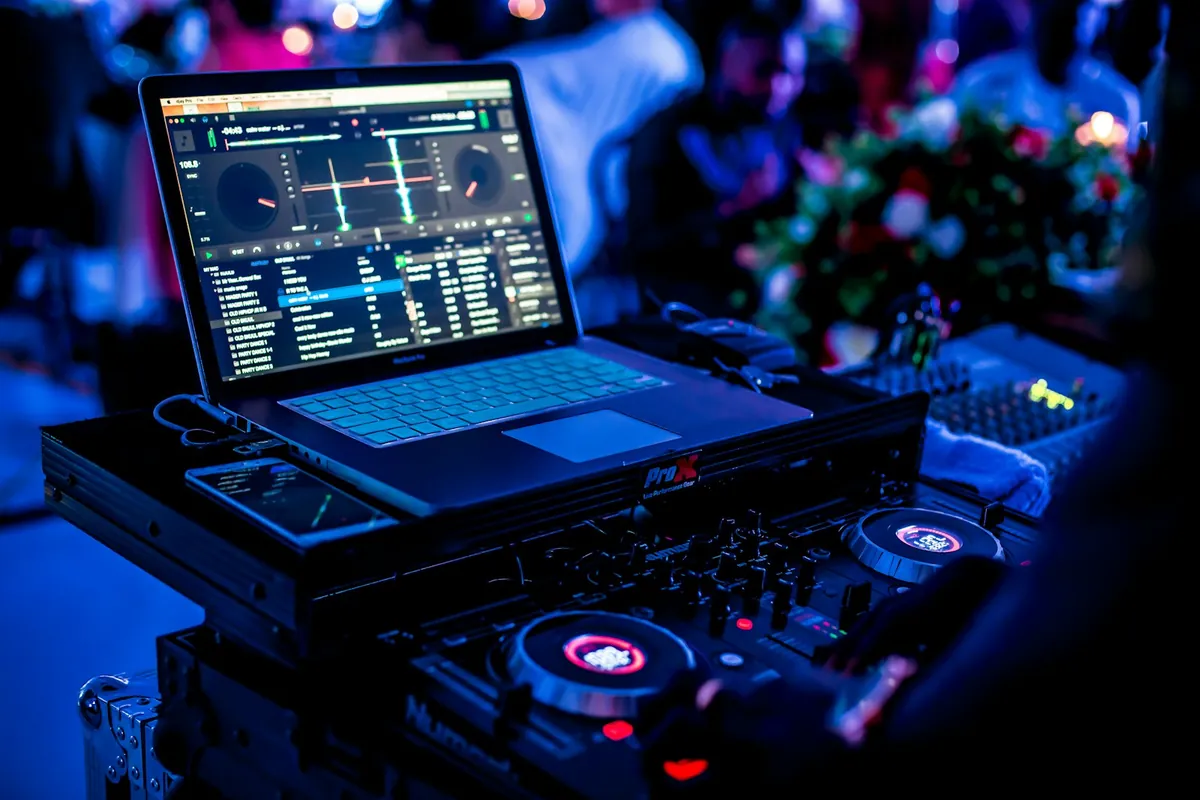
A DJ mixer
DJs match the tempo of two tracks to blend them, using the same calculation as this article.Photo: Kofi Nuamah Barden / Unsplash License / Unsplash

Keeping both pitch controls at 0 changes the tempo without shifting the key. A larger change can also alter how a recording sounds, so listen to the drum attacks and vocals instead of judging by the target number alone.

When the result misses the target

  • The result is much too fast even with the calculated value. Check whether the source BPM was detected at half time; compare the alternative and listen to the beat.
  • The displayed BPM is close but not exact. The source estimate can be off. Adjust the speed slightly and check that the beat still lands naturally.
  • The multiplier is below 0.50 or above 2.00. That is outside this control’s range. Do not assume a large change will sound as accurate as a small adjustment.

Tools for this article

Share this article
Share on X

Read next

Covers

How much faster is "tempo +1" on a karaoke machine?

Press tempo +1 and the song speeds up — by how much? Makers do not publish the step size, so here is how to measure it yourself and how to build a practice track at the same speed at home. Changing the tempo does not change the key.

#Karaoke#Tempo
Covers

Three ways stem separation makes learning a song by ear much easier

The bass is buried under the kick, the drum fill is gone before you can catch it. Three ways to get past the usual walls when your band is learning a cover.

#ear training#band practice
Covers

Singing or Playing Covers: Where Do You Actually Start?

You want to post a vocal or instrument cover, but what do you need and in what order? The minimum gear, the whole workflow, the usual first stumbles, and the rights question about backing tracks, in one place.

#Covers#Playing covers
Covers

Which DAW is used most? Put three surveys side by side and the answer changes

Cubase, Logic, Studio One, Ableton Live, FL Studio, Pro Tools: which DAW is used most? We compare the numbers from three surveys published in 2025, explain why each gives a different answer, and what matters more than any ranking when choosing.

#DAW#Background
Covers

How to make a vocal cover: from recording to mixing and posting

The steps to finish one vocal cover, in order: choosing a backing track, recording settings (input level, mic distance), picking takes, mixing the vocal (EQ, compression, de-essing, reverb), finishing, and posting the video, with the rights points to watch.

#Covers#Recording
Covers

How to make a playing cover: backing track, recording, video

The steps to finish a guitar or bass playing cover: learning and practising the part, preparing a backing without your part, DI versus miked recording, dealing with latency, syncing sound and video, guitar mixing starting points, and the rights points when posting.

#Playing covers#Recording

All articles