본문으로 건너뛰기
  1. Blog
  2. Files

FilesPDFFilesWork

Merging PDFs — order, and what gets left behind

How to combine several PDFs into one, and what the result quietly loses. Worth knowing before you send a contract or an application.

Written by the site’s operator2 min read
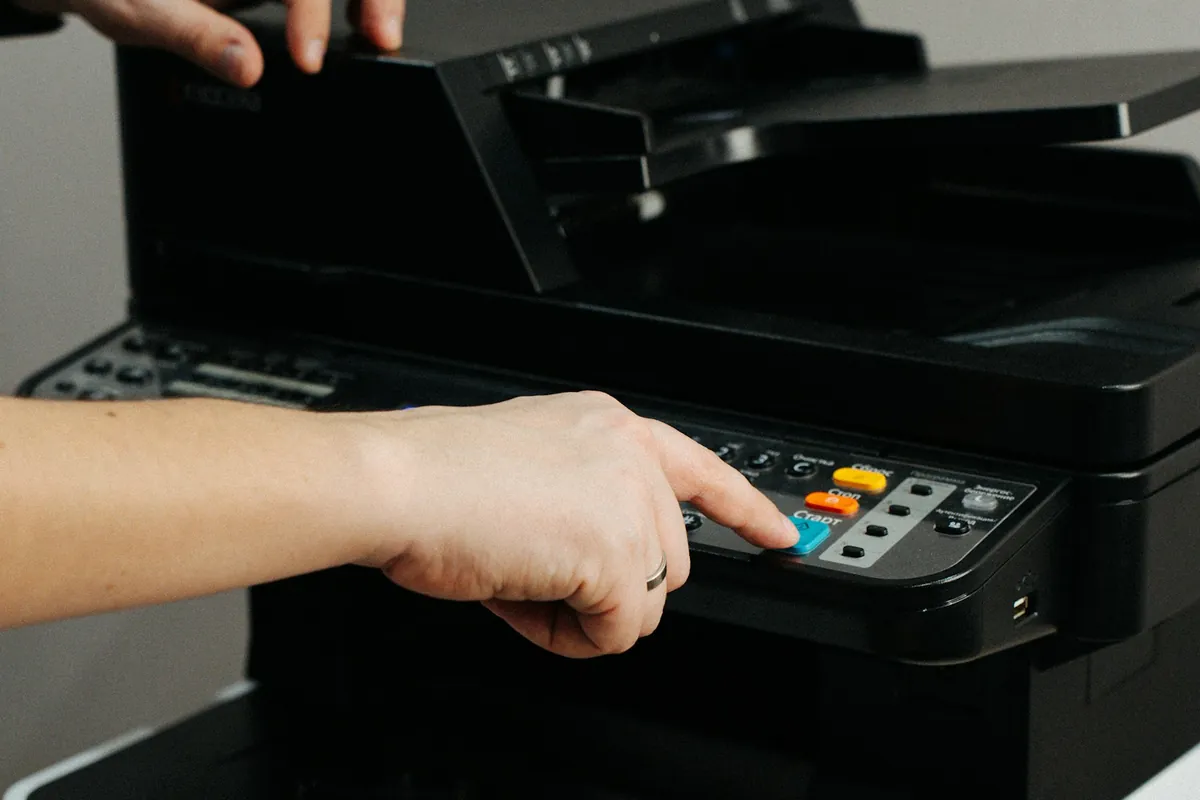
A printer
Documents that once went out on paper are now usually combined and sent as PDFs.Photo: Stanislav Staritsyn / Unsplash License / Unsplash

Forms, quotes, photographs. Sooner or later someone asks for all of it as a single PDF.

The joining itself is trivial. What actually takes the time is everything around it: what order to put them in, how to drop the pages you do not want, and what the merged file quietly loses.

1
Application form (all pages)
2
Quote (pages 3–5 only)
3
Photographs
One PDF
Order can be rearranged, and a page range takes only the part you need.
The real work is the ordering and the page selection, not the joining.

Decide these first

  1. The order — recipients often specify it, and checking first saves doing the job twice.
  2. Which pages — “pages 3 to 5 of the quote” is faster set as a range up front than split out afterwards.
  3. The filename — follow whatever the recipient asked for; failing that, put the date in it.

This site’s PDF merge settles all three in place: reordering, page ranges, and the files never leave the browser — which matters for contracts and invoices you would rather not hand to an online service.

What does not survive the merge

This is the part worth knowing. Page content carries over intact, but some of what was attached to the document does not.

ItemAfter merging
Page content (text and images)Carried over unchanged.
Bookmarks / outlineLost. On long documents you will need to rebuild them.
Annotations and commentsSometimes kept, sometimes not. Take care with documents still under review.
Form field valuesSame. For a completed form, printing it to PDF first is the reliable route.
Digital signaturesInvalidated. By design — a signature attests that the content has not changed, so changing the content detaches it.
Treat signed documents as things that must not be merged.

Frequent snags

  • The result is enormous — PDFs full of photographs balloon. Shrinking the photographs beforehand is what actually helps.
  • Pages face different ways — common with scans. Fix the rotation in each file and save before merging.
  • One of them is password-protected — protected PDFs cannot be processed as-is. Ask the owner to remove it, or print to PDF from somewhere that can open it.
  • The recipient cannot open it — older software may not read newer features. Ask what they use and re-export more conservatively if needed.

The merge takes a moment. What takes the day is confirming the order, and noticing afterwards that something was dropped. Checking what is required before you start removes most of the rework.
Tools for this article

Share this article
Share on X

Read next

Files

Is it safe to upload your files to an online tool?

That small hesitation before you drop a PDF onto a converter site. Here is what actually differs between upload-based and in-browser tools, and how to check which one you are looking at yourself.

#Safety#In-browser processing
Files

“Can you make this image smaller?” — smaller how?

Dimensions, file size and quality are three different things. Which one you move changes the work entirely. Here is how to pick, and how to do each.

#Images#Files
Files

ローカル画像生成AIのはじめ方。手元のゲーミングPCで、実写もイラストも作れる

自分のPCで画像生成AIを動かす「ローカル画像AI」の入門。回数制限や月額を気にしなくていい理由、必要なPCの目安(VRAM)、実写・アニメ・高速生成の代表的なモデル、ComfyUIなどのソフト、導入の流れ、設定値、LoRAやControlNetなどの発展機能まで。

#画像#AI
Files

24-bit or 32-bit float, 44.1 kHz or 48 kHz? Choosing audio settings

24-bit, 32-bit float, 44.1 kHz, 48 kHz. Does a bigger number mean better sound? What sample rate and bit depth each do, and which to pick for music, video and handing work over.

#Files#Settings
Files

WAV, FLAC, MP3 or AAC? Which format to keep and which to send

Audio formats affect file size and editability as well as quality. The difference between lossless and lossy compression, and which of WAV, FLAC, MP3 and AAC to use for working files, archiving and sharing.

#Files#Conversion
Files

QR codes that still scan once printed

Generating a QR code is easy; discovering it will not scan off the printed page is the expensive part. The four things that cause it, and the shortened-URL trap.

#QR codes#Print

All articles