跳到正文
  1. Blog
  2. Files

FilesImagesFilesBasics

“Can you make this image smaller?” — smaller how?

Dimensions, file size and quality are three different things. Which one you move changes the work entirely. Here is how to pick, and how to do each.

Written by the site’s operator2 min read
Cameras and lenses
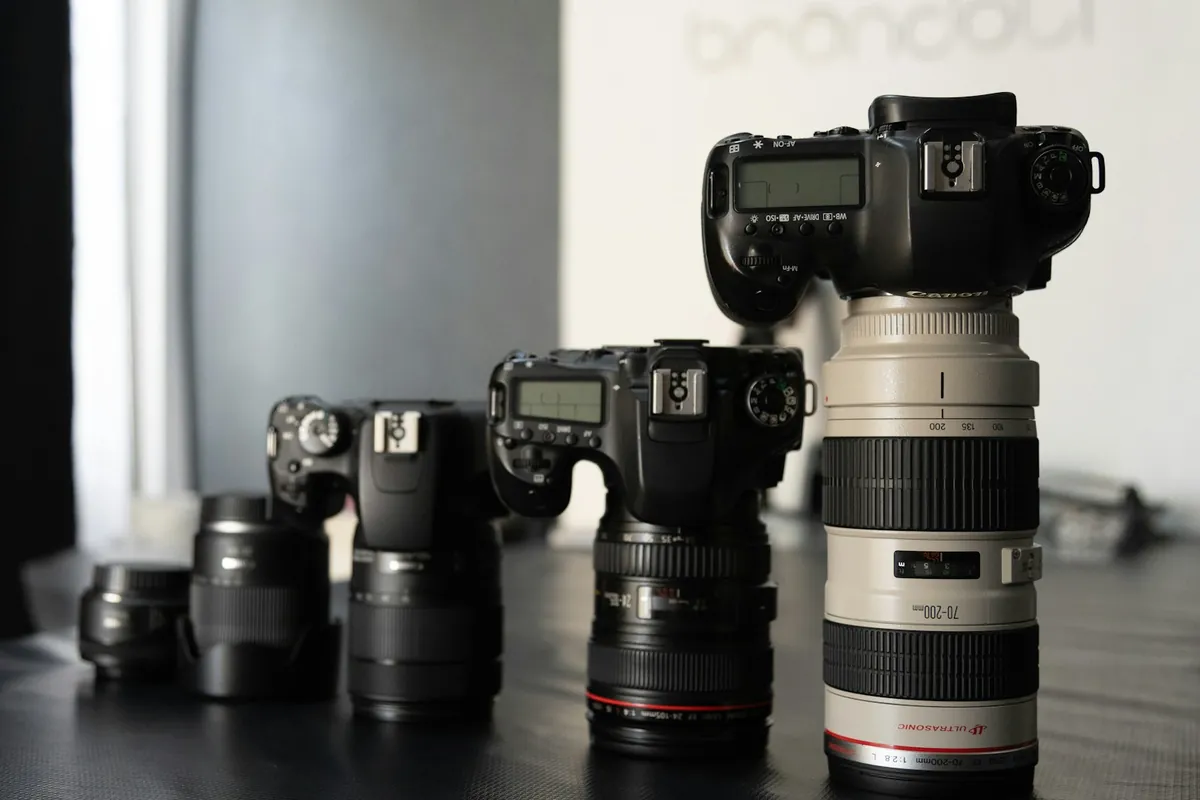
Camera photos are large because they hold many pixels.Photo: Sergio Martins / Unsplash License / Unsplash

“The image is too heavy, could you make it smaller?” A common request — and it means three different things.

Smaller in dimensions, smaller on disk, or lower in quality. These look connected but are separate, and which one you move decides both the work and the result. Start without settling that and you will usually do it twice.

Dimensions (px)
Width and height — 1920×1080 and the like. This is the one when something has to fit a slot, or be printed.
File size (MB)
What it weighs. This is the one when an attachment bounces or an upload is rejected.
Quality
Visible degradation. This is what you spend as you push the other two down.
Halving the dimensions leaves a quarter of the pixels. So even when file size is the goal, dimensions are usually the most effective place to start.
Three different “smaller”. Deciding which one is being asked for comes first.

Work backwards from the purpose

It will not attach, or the upload is rejected

That is file size — but before dropping quality, look at the dimensions first. Phone photos are commonly around 4000px wide, where 1600px is plenty for anything viewed on a screen. Halving the dimensions leaves a quarter of the pixels, and the file falls accordingly.

This site’s image resizer takes several files at once and works to a long-edge target. Leaving “do not enlarge” on stops smaller images being stretched up to meet it.

The dimensions have to stay

When the slot is fixed, compression is the tool. Image and video compression picks a resolution and quality from where the file is going. Video works the same way.

It is going on a website

WebP holds much the same appearance at a smaller size than JPEG, and every current browser supports it. For anything web-facing it is the first choice. Changing format alone is a job for file conversion.

Common crossed wires

  • “Increase the resolution” — this means dpi (printing) or pixels (dimensions) depending on who is asking. For print, what is needed is more pixels; rewriting the dpi of a small image changes nothing visible.
  • “Send it in high quality” — nothing exceeds the original. If you were handed something already reduced, there is nothing to recover; ask for the camera file.
  • A PNG that weighs a lot — photographs saved as PNG run several times larger than JPEG. PNG suits diagrams and screenshots; photographs want JPEG or WebP.
  • Transparency disappeared — JPEG cannot store it. Keep the file as PNG or WebP when transparency matters.

In short: suspect the dimensions first, compress if that is not enough, and change format as the final nudge. In that order you spend the least quality getting there.
Tools for this article

Share this article
Share on X

Read next

Files

What your photos carry: where and when they were taken

Photos from a phone carry the time, the camera model and often the exact location. What survives, what gets stripped, and how to remove it when it matters.

#Photos#Privacy
Files

I asked for 1 Mbps and got a file 2.8 times that size

Setting a bitrate when compressing video does not give you a file of that size. Measured here: 2.8 times what was requested. Why that happens, and what to change instead.

#Video#Files
Files

ローカル画像生成AIのはじめ方。手元のゲーミングPCで、実写もイラストも作れる

自分のPCで画像生成AIを動かす「ローカル画像AI」の入門。回数制限や月額を気にしなくていい理由、必要なPCの目安(VRAM)、実写・アニメ・高速生成の代表的なモデル、ComfyUIなどのソフト、導入の流れ、設定値、LoRAやControlNetなどの発展機能まで。

#画像#AI
Files

24-bit or 32-bit float, 44.1 kHz or 48 kHz? Choosing audio settings

24-bit, 32-bit float, 44.1 kHz, 48 kHz. Does a bigger number mean better sound? What sample rate and bit depth each do, and which to pick for music, video and handing work over.

#Files#Settings
Files

WAV, FLAC, MP3 or AAC? Which format to keep and which to send

Audio formats affect file size and editability as well as quality. The difference between lossless and lossy compression, and which of WAV, FLAC, MP3 and AAC to use for working files, archiving and sharing.

#Files#Conversion
Files

Merging PDFs — order, and what gets left behind

How to combine several PDFs into one, and what the result quietly loses. Worth knowing before you send a contract or an application.

#PDF#Files

All articles