Play your recorded voice a little loud and something stings. Listen for a while and it gets tiring. Sound familiar?
That piercing quality has a cause, and most of the time a small, narrow cut makes it dramatically easier to listen to.
Why that range hurts
Hearing does not treat all pitches equally. For the same energy, sounds around 3–4 kHz are perceived as loudest. This is mapped by the equal-loudness contours, standardized as ISO 226.
So around 2–5 kHz, a small excess already pierces. A voice’s clarity also lives there, so cutting the whole range makes it dull. The trick is not to lower it broadly, but to lower only the painful spot, narrowly.
The culprit is a narrow peak
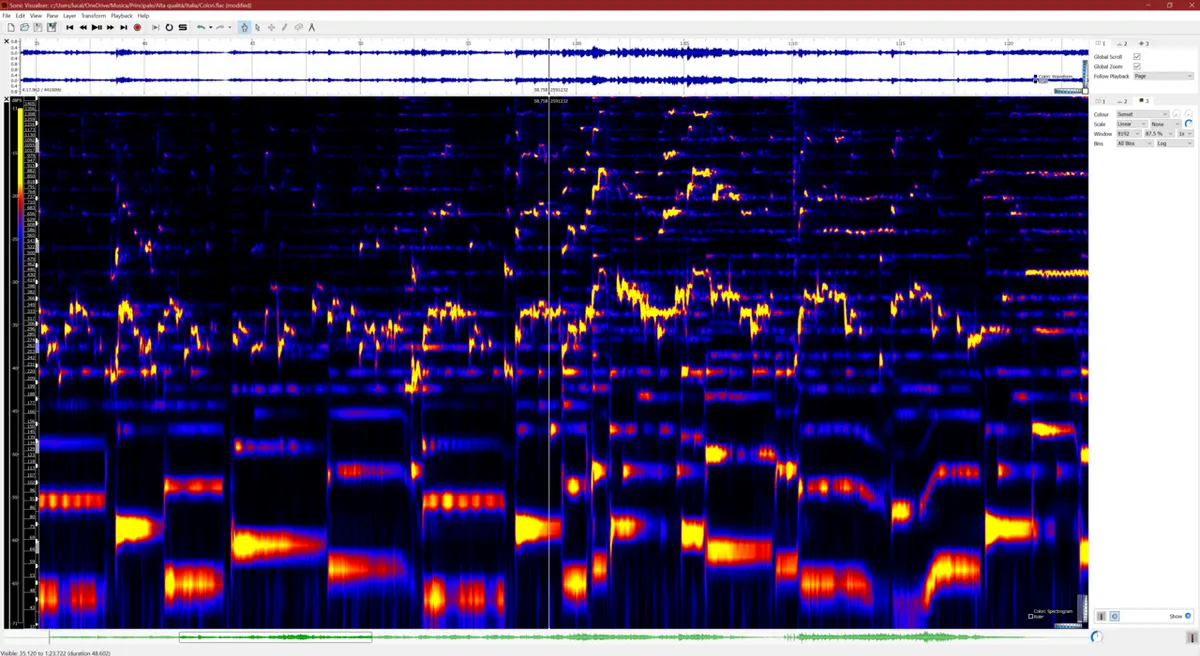
Look at a harsh sound by frequency and one specific pitch usually sticks out above its neighbours. The room, the mic and the voice itself can all cause it, so where and how many differ by song and voice.
In practice there are often one to a few prominent peaks, but there is no fixed number. If you cannot find one, not cutting is the right answer.
Finding it: boost narrow, sweep slowly
This is the “sweep”, a method engineers use all the time. Any EQ can do it.
- Turn the playback down a bit. You are about to make a painful sound louder for a moment; protect your ears.
- Take one EQ band, set a high Q (narrow) and boost about +6 to +10 dB.
- Sweep the frequency slowly from about 2 kHz to 5 kHz. Most places just get a little brighter; where there is a peak it suddenly rings and stings.
- Note the frequency where it stings. There may be more than one.
- Remove the boost and cut that frequency by only −2 to −4 dB, keeping the Q narrow.
- Check at normal level with the backing. Is the sting gone and the clarity still there?
How much to cut
- Start at about −3 dB per spot, and add a little only if needed.
- Cut only what stands out. Cutting every spot that bothers you makes the voice thin and distant.
- Be willing to undo. Comparing before and after at matched level is the surest check.
Painful “s” sounds are a different problem
If the sting is on sibilants like “s” and “sh”, the cause sits higher, roughly 5–8 kHz. It is not there all the time, only on those consonants, so a constant EQ cut darkens everything else too.
For that, use a “de-esser”, which lowers that range only in the moment a sibilant appears. Under the hood it is a compressor that reacts to one frequency range.
What you can do while recording
- Do not get too close to the mic (about a fist’s width away).
- Angle the mic slightly off the mouth.
- Avoid recording right next to hard walls or glass; reflections can create peaks.
EQ fixes things after the fact. Reducing harshness at the recording stage gives the most natural result.
Summary
- Hearing is most sensitive around 3–4 kHz; an excess at 2–5 kHz sounds harsh.
- The cause is usually a narrow peak, whose position and number vary.
- Find it with a narrow boost, then cut narrowly by −2 to −4 dB.
- Sibilance sits around 5–8 kHz; use a de-esser to lower it only in the moment.
The basics of EQ itself are in What EQ is.