Record a vocal and the chorus is loud while the whispered verse is hard to hear. Moving the fader up and down never quite fixes it.
That is what a compressor is for. In a phrase: it automatically turns down only the parts that are too loud, narrowing the gap in level.
What a compressor does
A compressor watches the level constantly and turns the sound down only while it exceeds a set level. Quieter parts pass unchanged, so the gap between loud and quiet shrinks.
Because the gap is smaller, you can raise the whole thing, so the quiet parts become easier to hear. That is its main effect.
The five controls
| Control | Meaning | In short |
|---|---|---|
| Threshold | The level above which it starts working | Where from |
| Ratio | How much the excess is reduced (4:1 turns 4 dB over into 1 dB) | How much |
| Attack | How fast it acts once the level goes over | When it starts |
| Release | How fast it lets go once the level drops back | When it stops |
| Make-up gain | Raises the whole signal to make up for the reduction | Restore at the end |
Attack and release change the character
- Fast attack: grabs the start of each note, rounding off transients and pushing the sound back.
- Slow attack: lets the start through first, so word onsets and drum hits stay forward.
- Fast release: recovers quickly, denser sound, but too fast makes the level pump.
- Slow release: recovers gently and naturally, but too slow keeps the next note squashed.
A starting point for vocals
These are starting points to adjust by ear; the right answer depends on the voice and the song.
| Control | Start here |
|---|---|
| Ratio | 3:1 to 4:1 |
| Threshold | Where loud passages show about 3–6 dB of GR |
| Attack | Around 10 ms (slower if word onsets get buried) |
| Release | Around 50–100 ms (follow the rhythm of the words) |
| Make-up gain | Until it is about as loud as with the compressor bypassed |
Signs of overdoing it
- Breaths and mouth noises get loud. Quiet sounds are being lifted too much.
- Flat, lifeless delivery. Dynamics are part of the performance; not everything needs to be the same level.
- The level breathes or pumps. Release too fast, or too much reduction.
- Word onsets get squashed. Attack too fast.
For heavy reduction, two gentle compressors in series often sound more natural than one working hard.
How limiters and maximizers relate
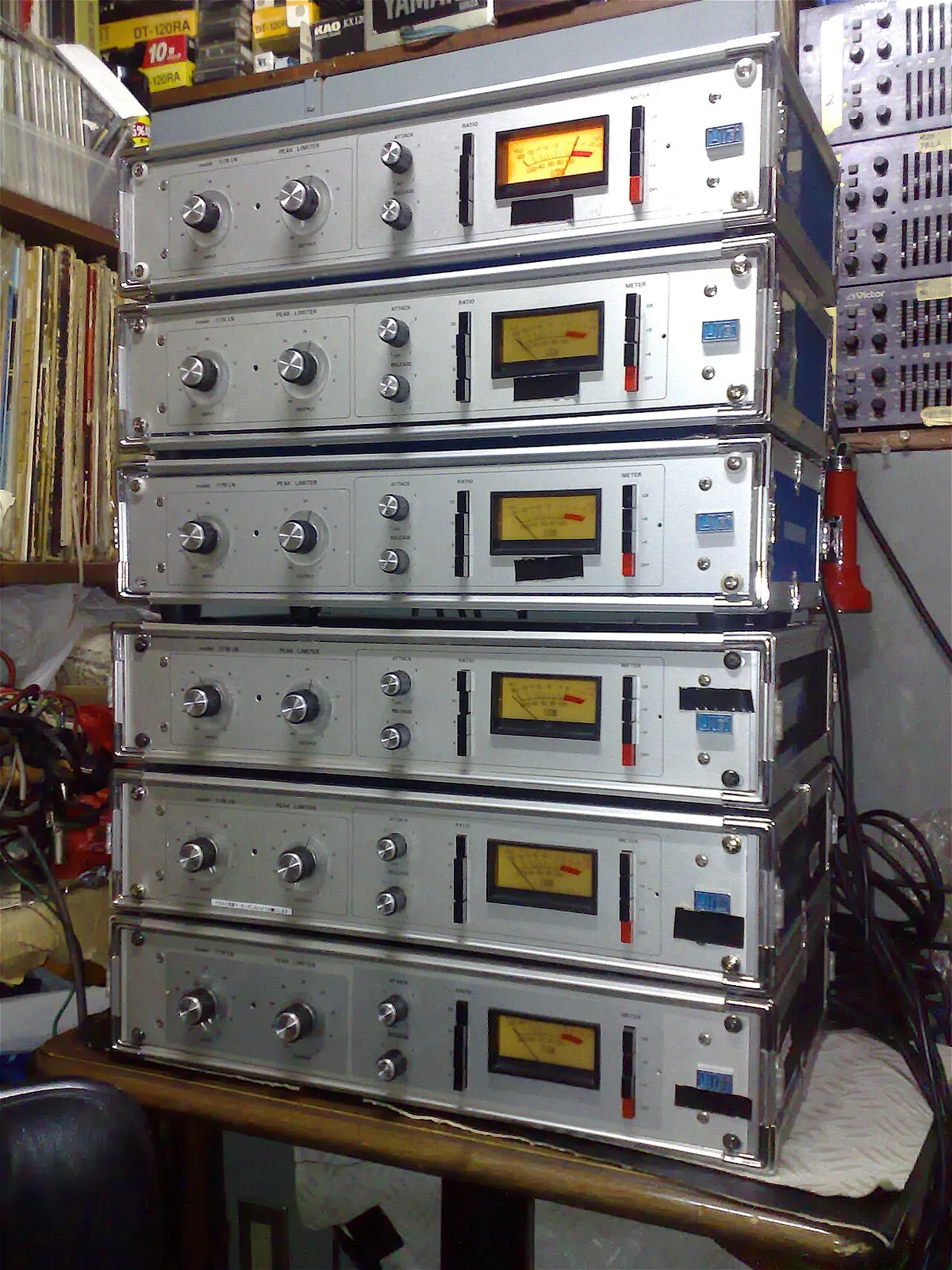
A limiter is a compressor with a very high ratio, set so the level never goes past a ceiling. The last device in mastering, to prevent clipping, is usually a limiter. A maximizer is easiest to think of as that limiter combined with a way to raise the overall level.
Summary
- A compressor reduces only what goes over, narrowing the level gap.
- Where from (threshold), how much (ratio), when it starts (attack), when it stops (release).
- For vocals, start around 3:1–4:1 with 3–6 dB of GR and adjust by ear.
- Compare at matched level; overdoing it shows as loud breaths, flatness and pumping.
Combined with EQ for tone, that covers the mixing basics. The full workflow is in where to start.