You love singing. But turning that into a finished cover, with all the steps in the right order, is where it gets unclear.
This article walks from choosing a backing track to posting, in the order you actually do the work. The overall picture and what gear you need are in where to start; if this is your first cover, read that first.
The whole process
- Choose the song and the backing track
- Set up for recording
- Record
- Edit (pick takes, clean up noise and timing)
- Mix
- Finish
- Make the video and post it
1. Choose the song and the backing track
The safe choice is an officially distributed off-vocal track, or one whose rights holder allows it for covers. The download page’s terms usually say what is allowed (where you can post, monetisation, how to credit), so read them before recording.
If the key doesn’t suit you, change it before recording. How far to lower the key gives a starting point.
2. Set up for recording
| Setting | Starting point |
|---|---|
| Format | 48 kHz, 24-bit (video normally uses 48 kHz, so match it from the start) |
| Input level | Peaks around −12 to −6 dBFS on the loudest lines. Never reach 0 |
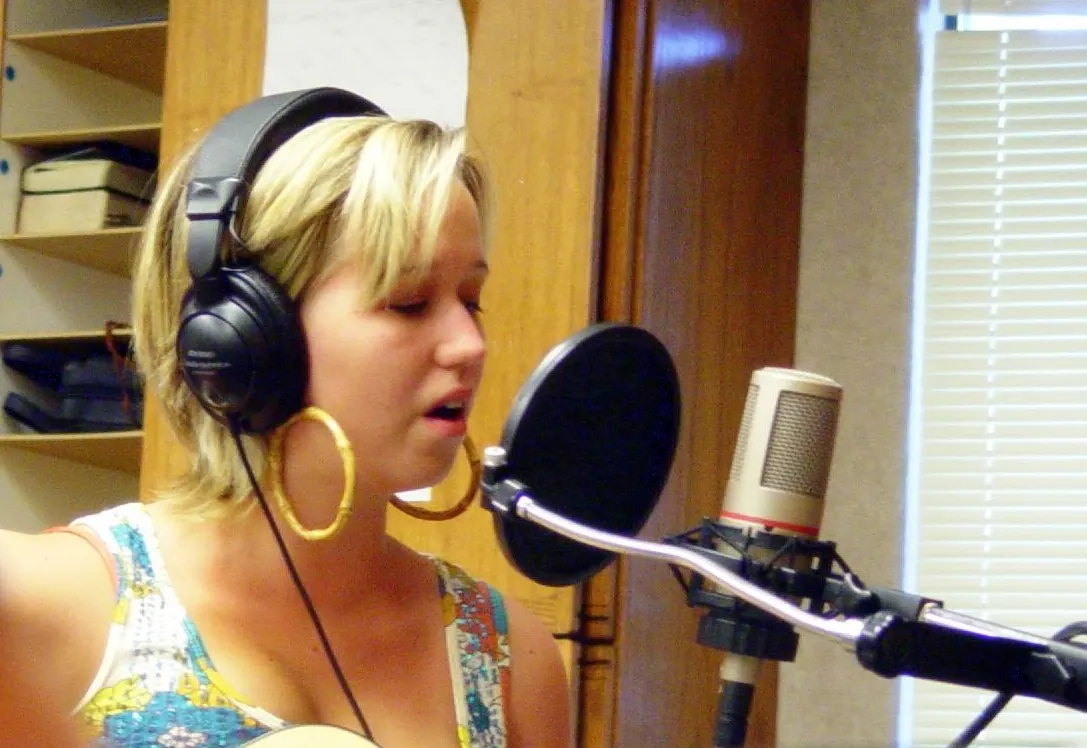
| Mic distance | One or two fists (10–20 cm), with a pop filter in between |
| Headphones | Closed-back. Backing and your own voice at a balance that is easy to sing to |
| Room | Somewhere dead: curtains, a duvet, a wardrobe full of clothes |
3. Record
- Sing it through three to five times. Keep each pass as its own take.
- Re-record only the parts that didn’t work (punch-in). Start a line early so the join sounds natural.
- Harmonies and doubles come after the lead is settled. Singing the same melody again and layering it thickens the voice.
- Rest when your voice tires. A tired voice cannot be fixed in editing.
4. Edit
- Join the best parts (comping). Line the takes up, choose the best line or word from each, and build one performance.
- Remove noise where you are not singing. Turn breaths down rather than cutting them all; removing them entirely sounds unnatural.
- Tidy the starts of words. Move only what is clearly off against the backing’s rhythm.
- Go easy on pitch correction. Fix only the clearly wrong notes and it still sounds human.
5. Mix
Vocal processing usually follows this order.
| Process | Starting point | More |
|---|---|---|
| EQ | Cut below 80–100 Hz. If muddy, dip 200–400 Hz a little | What EQ is |
| Harsh spots | Narrow, small cuts on thin peaks in 2–5 kHz | Finding harsh frequencies |
| Compressor | Ratio 3:1–4:1, 3–6 dB of GR on the loud parts | What a compressor is |
| De-esser | Only if S sounds sting. Around 5–8 kHz | Finding harsh frequencies |
| Reverb | Plate or room, 20–40 ms pre-delay | What reverb is |
A little delay (echo) adds width without blurring words the way reverb can. It sounds natural synced to the tempo: one quarter note lasts 60000 ÷ BPM milliseconds.
| Tempo | Quarter note | Eighth note |
|---|---|---|
| 90 BPM | 667 ms | 333 ms |
| 120 BPM | 500 ms | 250 ms |
| 150 BPM | 400 ms | 200 ms |
Finally, balance the voice against the backing. If the vocal sits differently in the verse and the chorus, nudging its level section by section (automation) makes it far easier to listen to.
6. Finish
Off-vocal tracks are usually already mastered. Rather than pushing the backing louder, just set the ceiling to −1 dBTP with a limiter at the end, to catch the extra level the voice adds. The thinking is in mastering basics.
When it is done, listen on a phone speaker as well as headphones. Most people will hear it there. Check every word is clear and the voice isn’t floating on top.
7. Make the video and post it
- Export the audio as 48 kHz WAV and put it in the video. Don’t change its level in the video editor.
- Check sync. After exporting, compare mouth or picture movement with the sound at the start and the end.
- Credit the original and the backing in the description. Lyricist and composer, where the backing came from, and anyone who mixed or drew for you.

Summary
- Use an official or permitted backing track, and set the key before recording.
- 48 kHz/24-bit, peaks at −12 to −6 dBFS, mic one or two fists away.
- Record several passes and comp the best parts. Light pitch correction.
- EQ, then compressor, then space. Finish by just setting the ceiling at −1 dBTP.
- Credit the original and the backing. Don’t use a recording without permission.