본문으로 건너뛰기
  1. Blog
  2. Network

NetworkPasswordsSecurityBasics

Password strength is mostly length

Mix in symbols, change it every three months — the long-standing password advice is no longer what the guidelines recommend. Here is what actually makes a difference.

Written by the site’s operator3 min read
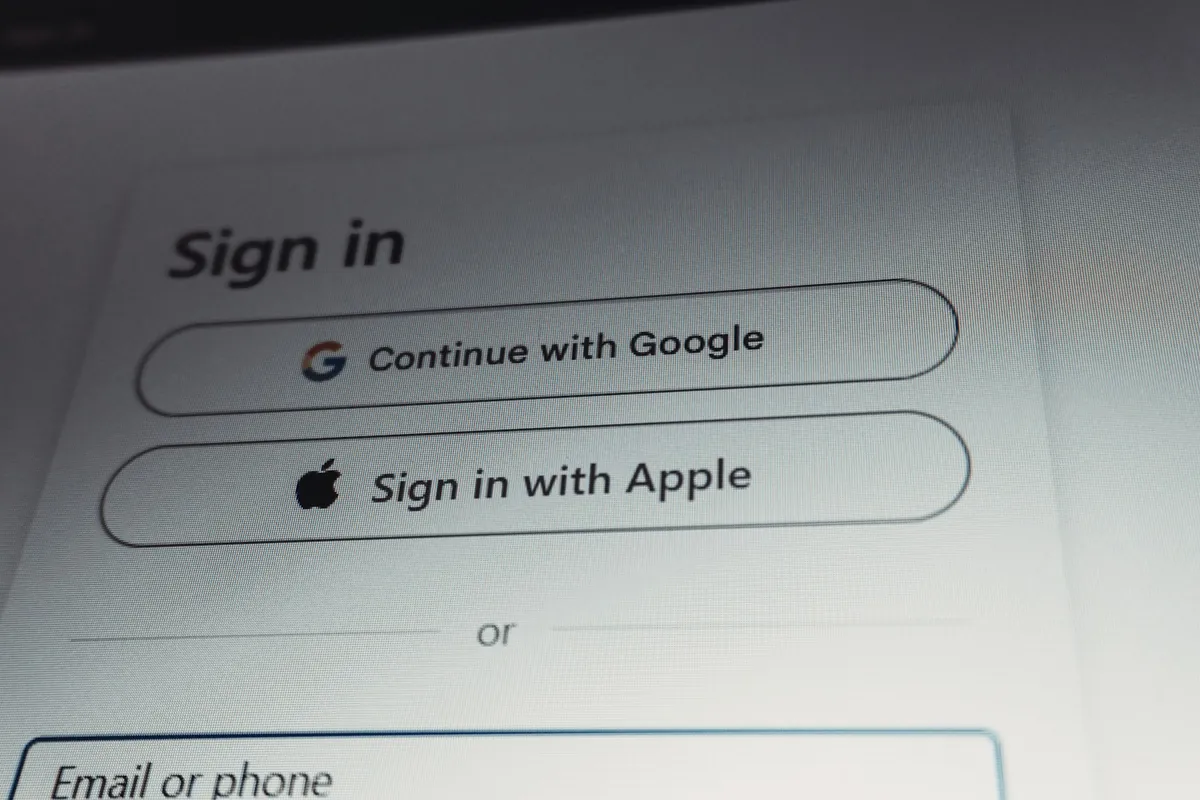
A login screen
The length of what sits behind those dots decides how strong it is.Photo: Zulfugar Karimov / Unsplash License / Unsplash

“Mix in numbers and symbols, and change it regularly.” That was the advice for years. It is not what the current guidelines say.

Both the US guidance (NIST) and its Japanese equivalents changed position over the last decade. No forced rotation. No mandatory mixture of character types. What they ask for instead is simpler.

Length is doing almost all the work

To someone guessing, the effort grows as the number of character types raised to the power of the length. Length is the exponent; character variety is only the base. Adding one to the exponent beats nudging the base. That is what “length decides it” means.

Eight characters with symbols
P@ssw0rd
Too short — more character types cannot make up the difference
Four words, twenty-four characters
blue-sky-eggshell-plaster-27
Length compounds, and the total climbs several orders of magnitude
Actual times swing by many orders of magnitude with the attacker’s hardware. What matters here is only which is larger, and by how much.
A plain string of words, long enough, costs orders of magnitude more than eight characters with symbols sprinkled in.

The real danger is reuse

Most real-world compromises are not someone breaking your password. They are a password leaked from one service being tried on another. Nothing about strength prevents that — only not having used it twice.

Which makes all different the first priority, and that is past what anyone can hold in their head. A password manager, or the browser’s own storage; either is fine. Using neither has stopped being realistic.

Why scheduled changes were dropped

Because what people do was predictable. Told to change every three months, they produce Sakura2026-1, then Sakura2026-2. To anyone guessing, that is barely a change at all.

The time to change is when you have reason to think it leaked. Forcing changes at other times only pushes people toward something weaker and easier to remember, which is why the guidance dropped it.

So what should you do

  1. Do not reuse. This is the highest-value habit. Even if only email, banking and social accounts get their own.
  2. Make it long. Past about fifteen characters, guessing stops being practical. For anything you must remember, stringing unrelated words together buys length cheaply.
  3. Turn on two-factor. It holds even when the password leaks — a higher priority than making the password clever.
  4. Protect the important ones properly. Perfection everywhere does not last. Treat your email account as special: whoever holds it can reset everything else.

For generating one, this site has a password generator. It makes both random strings and word-based passphrases, and shows the strength in bits, so “is this enough” has a number attached. It runs in the browser and nothing generated is sent anywhere.

Overturning advice you have followed for years feels wrong. But the guidance changed because the evidence of what actually gets broken came in. Effort spent adding symbols goes further spent on length and on not reusing.


Tools for this article

Share this article
Share on X

Read next

Files

Is it safe to upload your files to an online tool?

That small hesitation before you drop a PDF onto a converter site. Here is what actually differs between upload-based and in-browser tools, and how to check which one you are looking at yourself.

#Safety#In-browser processing
Files

What your photos carry: where and when they were taken

Photos from a phone carry the time, the camera model and often the exact location. What survives, what gets stripped, and how to remove it when it matters.

#Photos#Privacy
Network

Slow internet: what actually helps, and what does not

Video stalling in the evening, fine in the morning — what genuinely fixes a slow connection, and which widely repeated tweaks stopped mattering years ago. Starting with how to find the bottleneck.

#Internet#Speed
Network

When your mail lands in spam, or never arrives

Mail that never reaches the recipient, or goes straight to their spam folder. On a custom domain the cause is usually SPF, DKIM and DMARC. Here is what each one actually checks, and how to see yours.

#Email#DNS
Network

What an IP address does and does not reveal

Can an IP address give away your home address or your name? Here is where the line actually falls, set out as what it does reveal and what it does not.

#IP address#Internet
Network

再起動するとNASのドライブが切れる、エラー1219が出る。Windowsのネットワークドライブの困りごとと SMB Linker

Windowsの再起動後にNASのネットワークドライブに赤いバツが付く、スリープ復帰で切れる、正しいパスワードなのにエラー1219が出る。 よくある3つの原因と、確かめるコマンド、接続を待ってからつなぎ直す無料ツール「SMB Linker for Windows」の紹介。

#自宅サーバー#NAS

All articles